Support and Escalation
How the built-in support page works, what to include in a ticket, and which fast paths to try first
Page-aware AI
Ask AI about this page
Get answers grounded in the live Obelisk docs set, with source links, selected-text explainers, and prompts for the next document to read.
Use this page when a workspace issue needs human follow-up rather than self-serve troubleshooting.
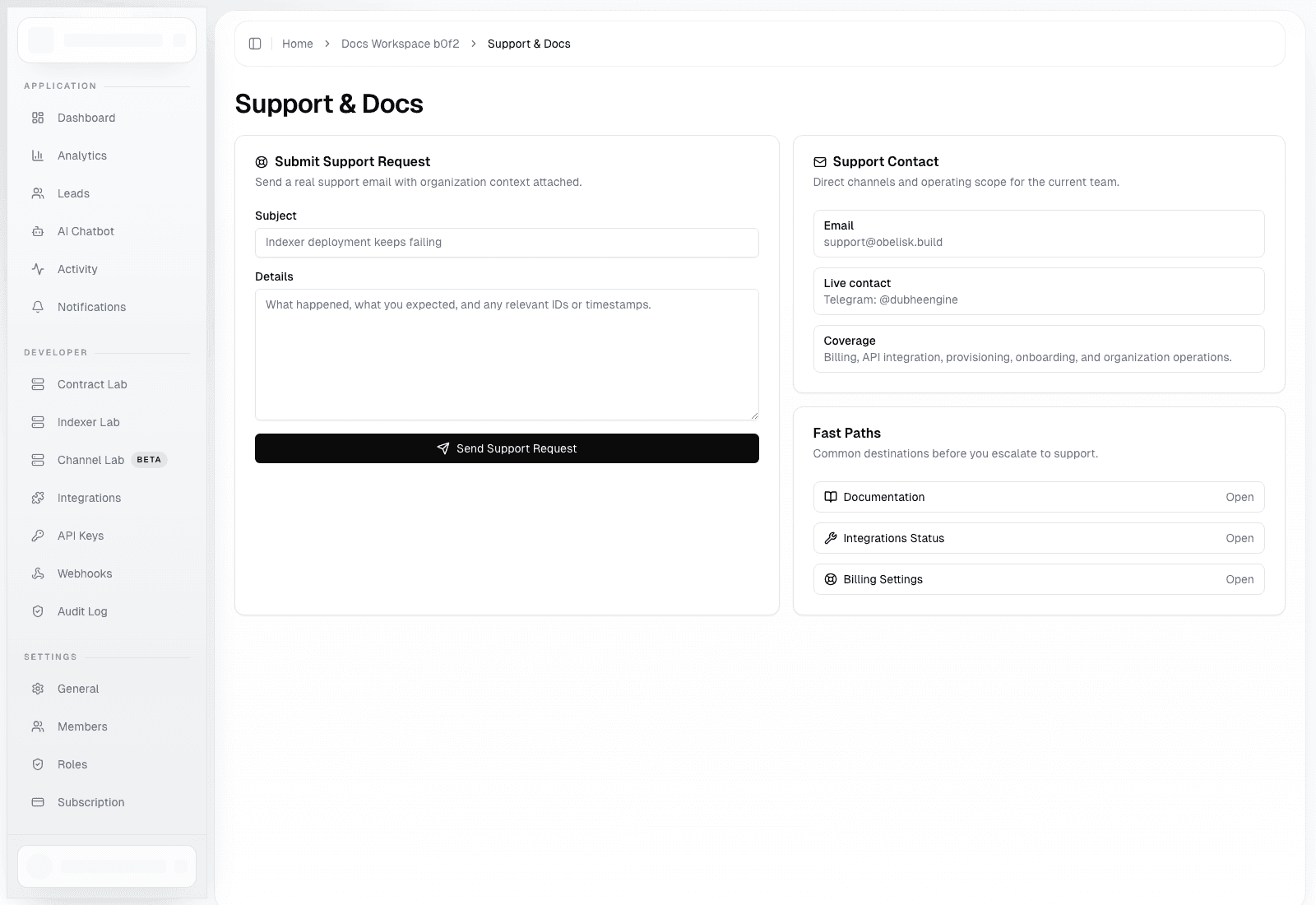
Support Page
Route: /dashboard/organization/support
Use this page to:
- submit a real support request with organization context attached
- prefill the request with the signed-in user identity
- use the built-in fast links to documentation, integrations status, and billing settings
What Gets Sent
The support request includes:
- organization name
- signed-in user name and email
- subject
- freeform details entered in the form
If Turnstile is enabled in the current environment, the page also requires captcha completion before submit.
What To Include In A Good Ticket
- the exact route where the issue happened
- the organization name
- relevant deployment IDs, package IDs, digests, or timestamps
- whether the issue is billing, provisioning, API, webhook, or access related
- what you expected to happen
Fast Paths Before Escalation
- Open
/docsfor feature walkthroughs - Open
/dashboard/organization/integrationsto verify automation posture - Open
/dashboard/organization/settings?tab=payment-methodsfor billing-portal actions
Escalation Guidance
- Use support for user-facing issues that need human follow-up
- Use
Audit Log,Activity, andIntegrationsfirst when the issue looks operational and can be self-triaged