Organization Workspace: Daily Navigation and Core Product Surfaces
How the organization workspace is structured, why it matters, and where each workflow lives
Ask AI about this page
Get answers grounded in the live Obelisk docs set, with source links, selected-text explainers, and prompts for the next document to read.
The organization workspace is the day-to-day operating surface for a tenant workspace.
All pages under /dashboard/organization/* are scoped to the active organization in your session.
Why This Workspace Matters
Most products split operations across too many places: one console for infrastructure, another for billing, another for customer workflow, and a separate admin layer for platform governance.
Obelisk is strongest when teams use the organization workspace as their main operating surface for:
- customer pipeline and support activity
- deployment and runtime actions
- integration management
- billing visibility and spend control
- operational review and accountability
Main Workspace Routes
/dashboard/organization: organization home with metrics, queue health, and quick actions/dashboard/organization/activity: unified activity feed across leads, chats, notifications, tasks, and credits/dashboard/organization/analytics: KPI summary, lead pipeline distribution, and last-30-day throughput/dashboard/organization/leads: CRM-style lead management/dashboard/organization/chatbot: organization-scoped AI chat workspace/dashboard/organization/contract-lab: Dubhe contract project, revision, validation, and deployment flow/dashboard/organization/indexer-lab: managed indexer provisioning/dashboard/organization/channel-lab: managed channel runtime provisioning/dashboard/organization/integrations: connection overview for API, webhooks, runtime access, and notification surfaces/dashboard/organization/api-keys: create and revoke scoped automation keys/dashboard/organization/webhooks: configure outbound notification delivery/dashboard/organization/notifications: real-time in-app notification center/dashboard/organization/audit-log: provisioning and automation audit trail/dashboard/organization/support: support request intake and fast links/dashboard/organization/settings: configuration, member access, billing, and governance
Workspace Home
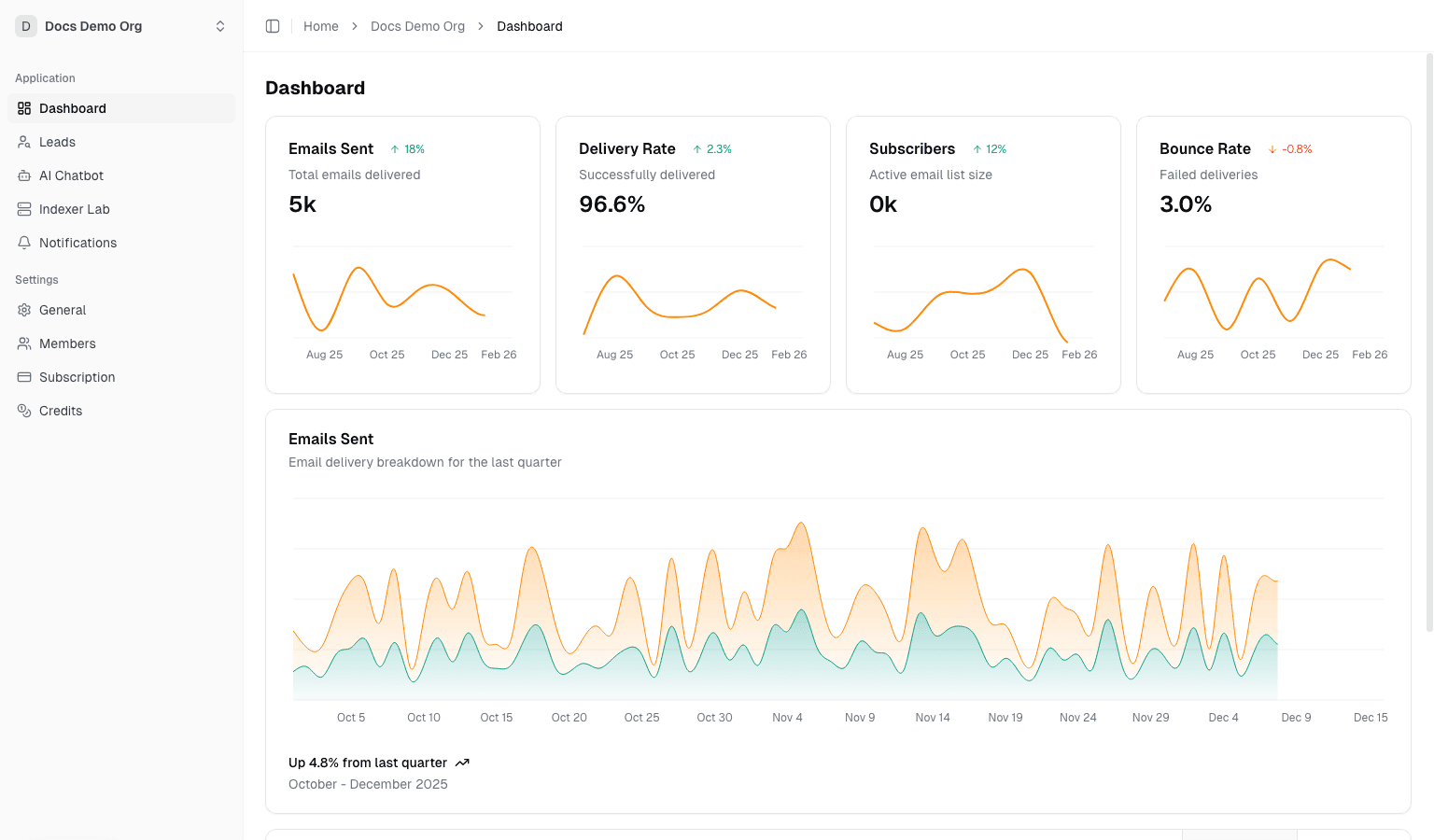
Route: /dashboard/organization
Use this page to:
- Review top-line metrics for members, leads, chats, deployments, tasks, and credits
- Inspect recent provisioning activity
- Jump into high-value actions such as lead management and billing
- Confirm subscription posture and organization readiness at a glance
Sales and Communication Surfaces
Leads
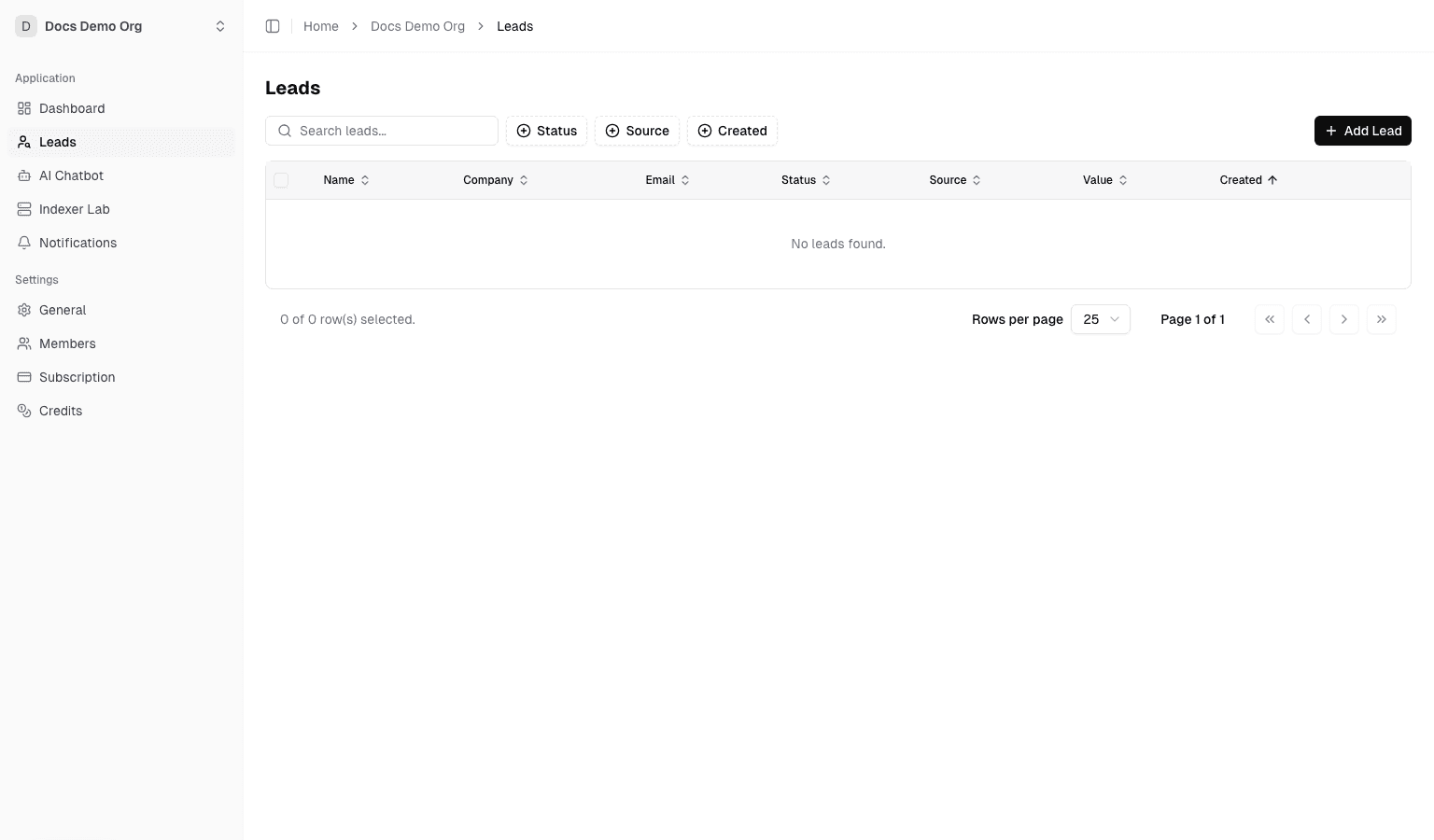
Route: /dashboard/organization/leads
Use this page to:
- create, edit, and delete leads
- filter by status, source, and date
- run bulk actions on selected rows
- maintain the pipeline data that feeds organization analytics
AI Chatbot
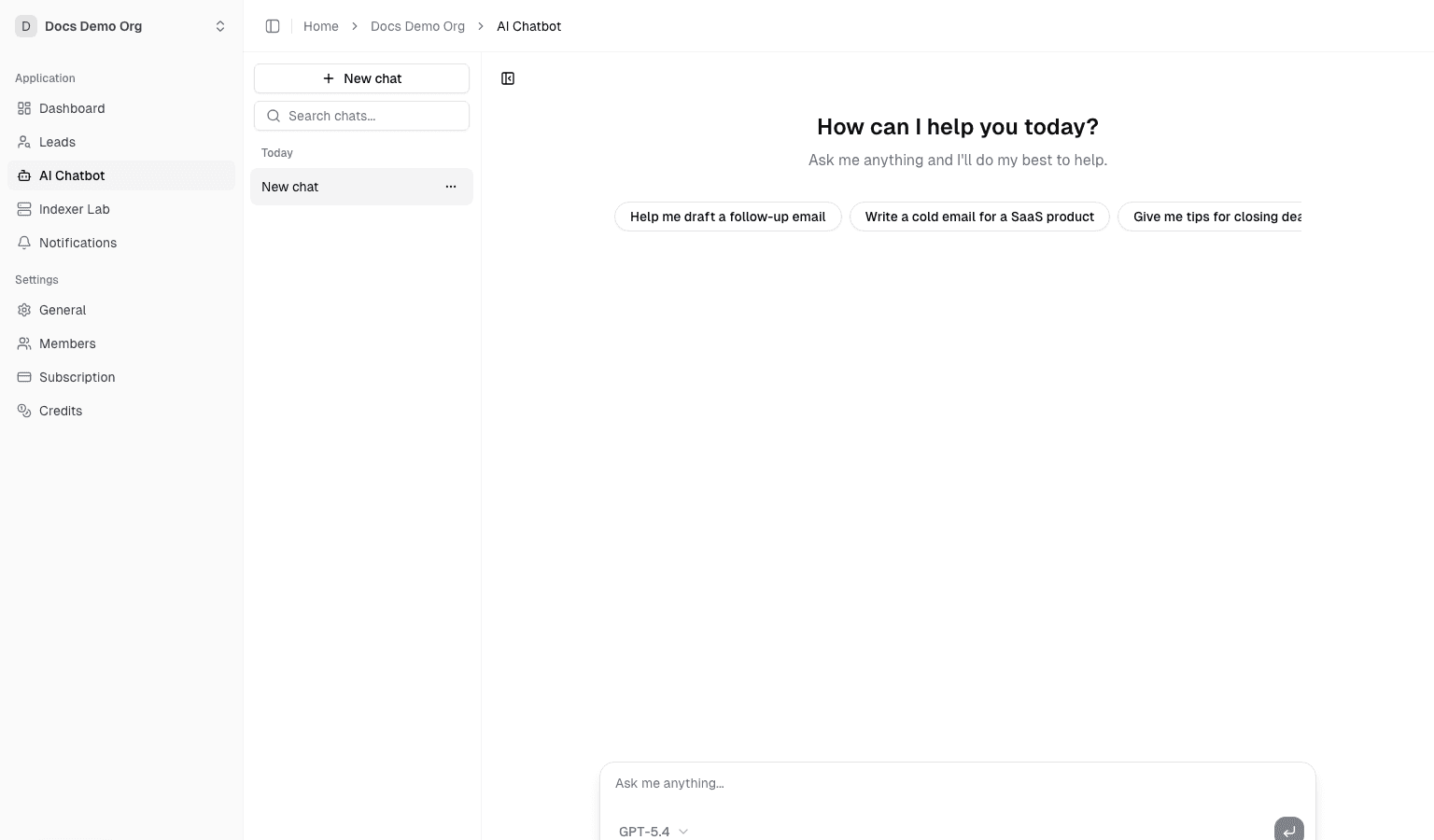
Route: /dashboard/organization/chatbot
Use this page to:
- start organization-scoped AI conversations
- continue prior chats
- use credits-backed AI tooling directly inside the workspace
Runtime and Deployment Surfaces
Contract Lab
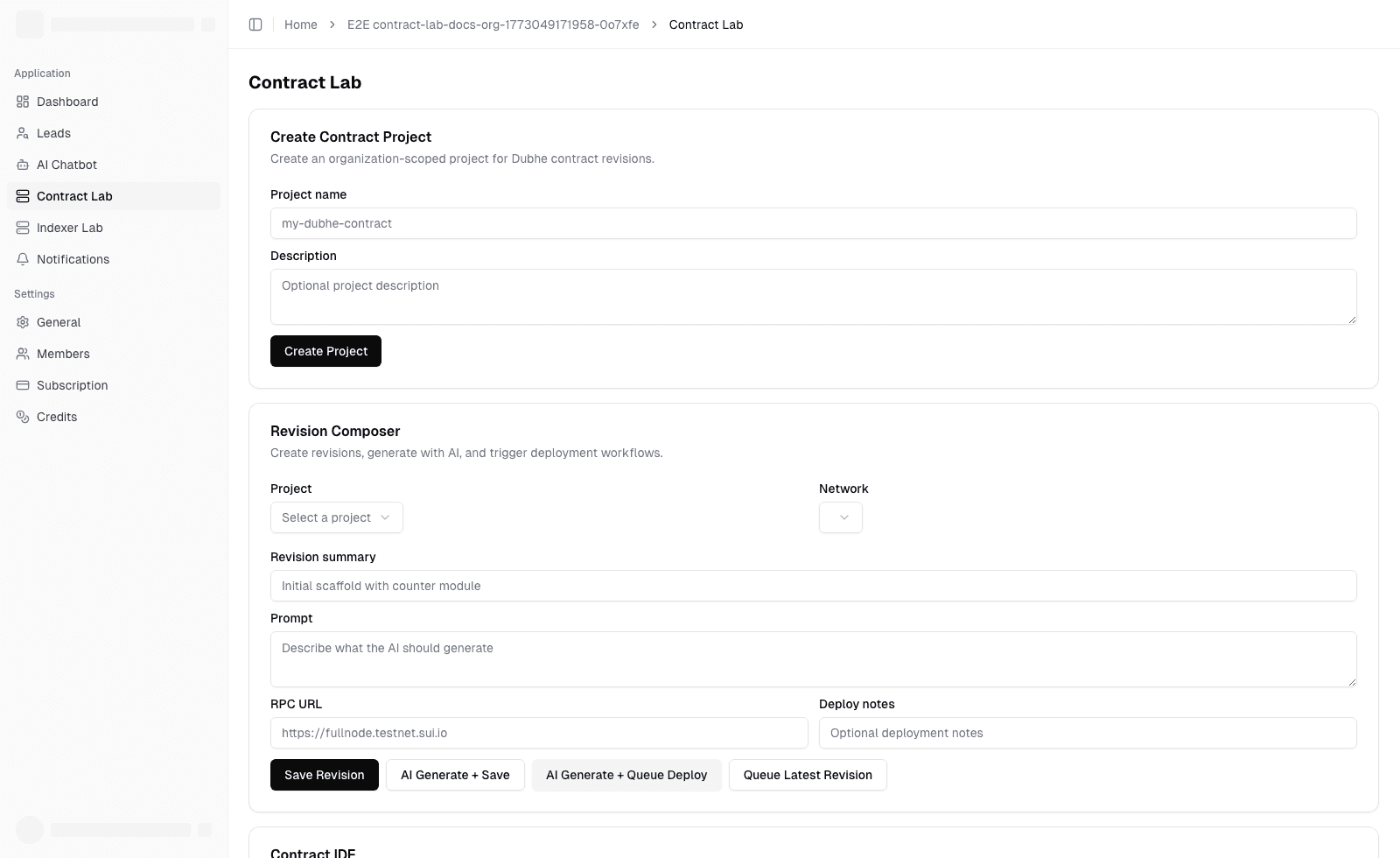
Route: /dashboard/organization/contract-lab
Use this page to:
- create contract projects
- save immutable revisions
- compare diffs
- validate Dubhe structure and queue deployments
- track deploy results and queue health
Detailed guide:
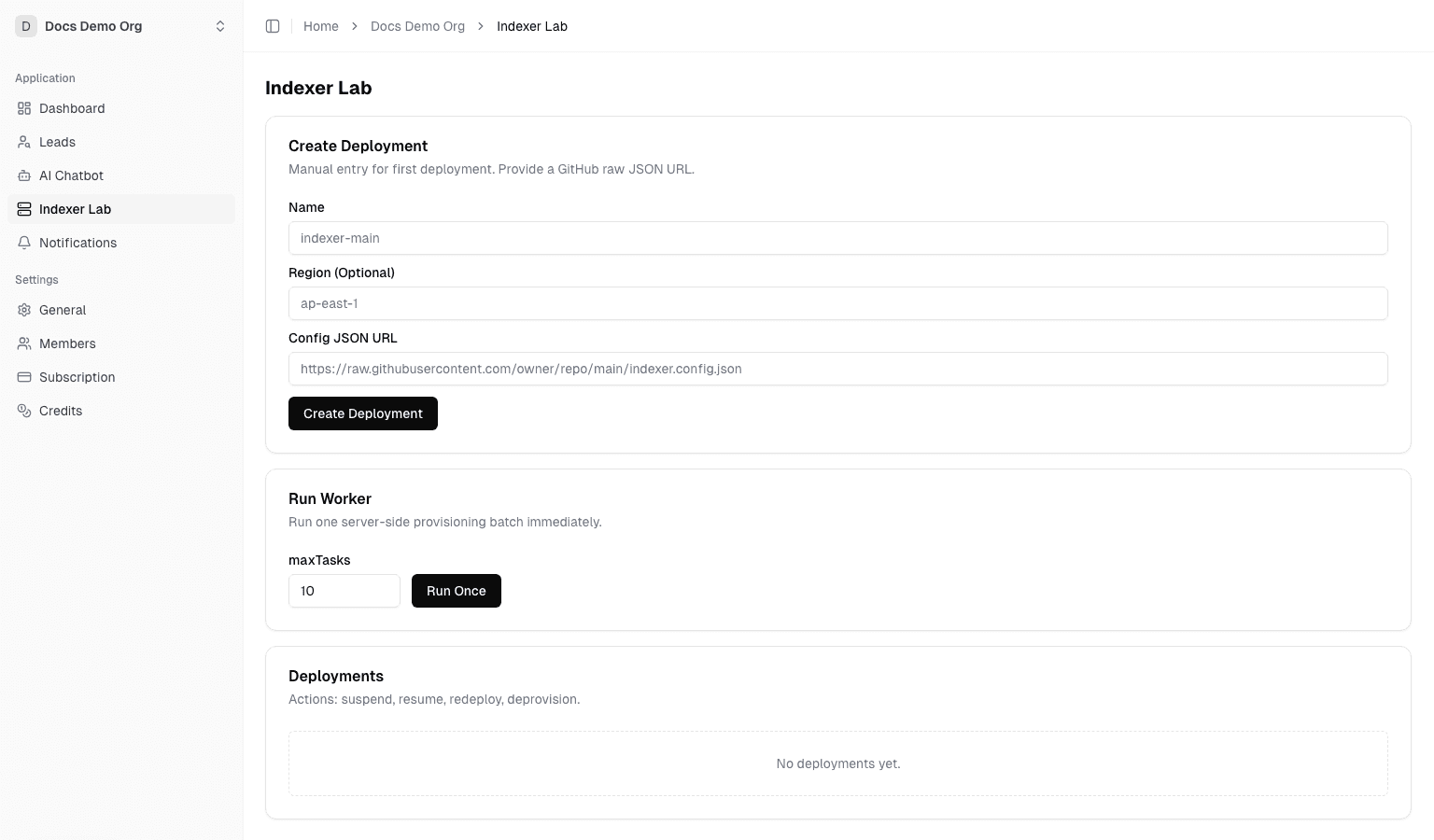
Indexer Lab
Route: /dashboard/organization/indexer-lab
Use this page to:
- create and manage indexer deployments
- suspend, resume, redeploy, and deprovision runtime instances
- run worker batches in non-production environments
- review provider identifiers and discovered endpoints
Channel Lab
Route: /dashboard/organization/channel-lab
Use this page to:
- create managed channel deployments for Dubhe channel runtime workloads
- control lifecycle operations through the same queued worker model used by Indexer Lab
- override image, region, and sync settings when needed
Detailed guide:
Automation and Integrations
Integrations
Route: /dashboard/organization/integrations
Use this page to:
- review the automation surfaces available to the active organization
- confirm public API readiness, webhook configuration, SSE notification stream URL, and managed runtime access
- jump directly to API keys, webhooks, notifications, billing, and runtime pages
Continue with:
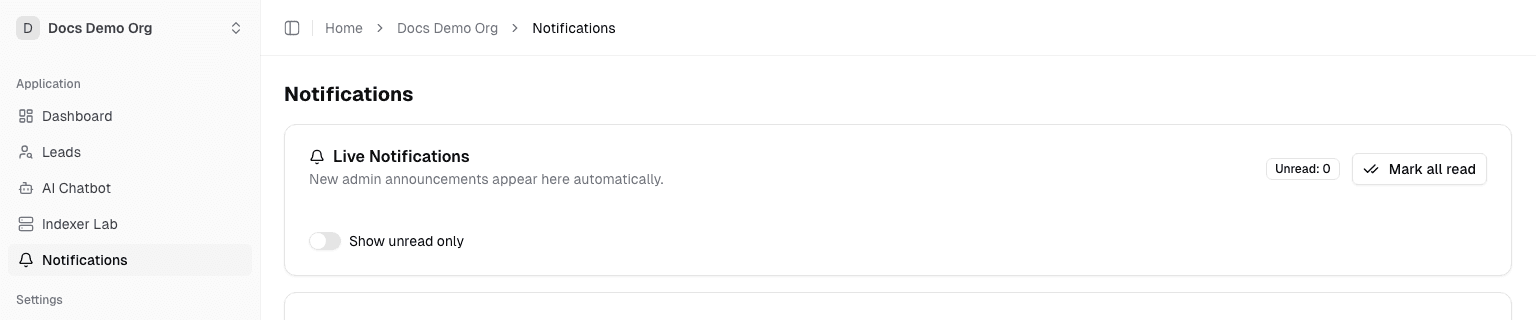
Notifications
Route: /dashboard/organization/notifications
Use this page to:
- receive admin-published announcements in real time
- mark one notification or all notifications as read
- filter to unread-only when triaging operator messages
Reporting, Support, and Settings
Activity,Analytics, andAudit Logare documented in Organization Observability: Activity, Analytics, Audit LogSupport & Docsis documented in Support and EscalationSettingsis documented in Organization Settings: General, Members, Roles
Operational Recommendations
- Keep one admin or owner focused on billing and integration controls.
- Keep operators inside organization-scoped pages instead of using platform admin pages for tenant work.
- Use
Integrationsas the fastest status page before debugging API, webhook, or deployment automation issues.