Organization Settings: General, Members, Roles
How to manage organization profile, branding, role model, and where the billing tabs now live
Ask AI about this page
Get answers grounded in the live Obelisk docs set, with source links, selected-text explainers, and prompts for the next document to read.
Route: /dashboard/organization/settings
This page is the control center for workspace identity, membership, governance, and billing.
Tabs at a Glance
tab=general: logo, organization name, danger-zone deletiontab=members: invite members, review active members, manage pending invitestab=roles: role counts, current access, and permission matrixtab=subscription: plan and billing cycletab=invoices: recent billing history and Stripe-hosted receiptstab=payment-methods: Stripe customer portal handofftab=credits: credit balance, purchase history, auto top-up
For billing-related tabs, continue with:
General Tab
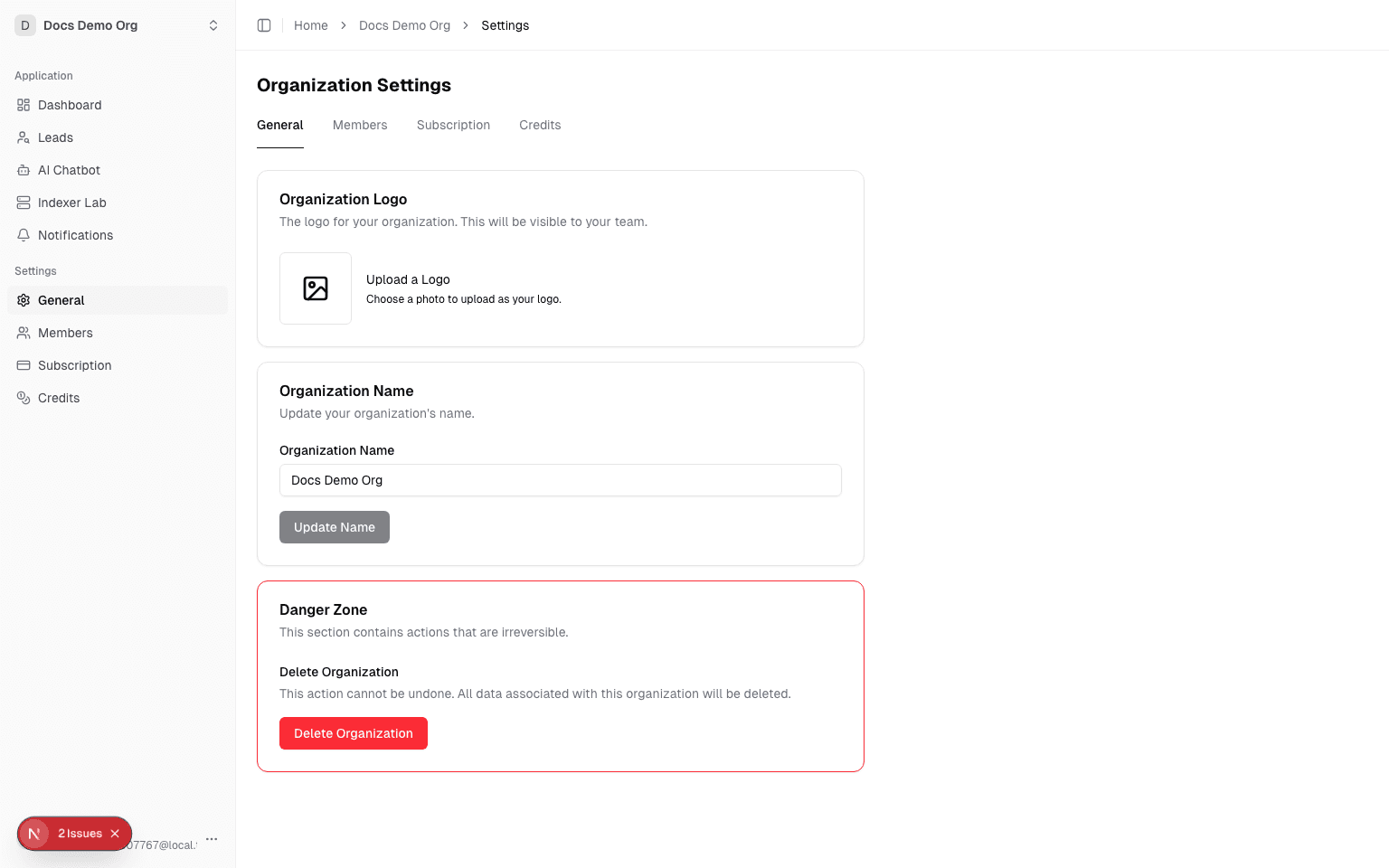
Route: /dashboard/organization/settings?tab=general
Use this tab to:
- Upload or change organization logo (supports image crop before upload)
- Remove current logo
- Rename organization
- Delete organization permanently from
Danger Zone
Delete behavior:
- Requires explicit confirmation
- Clears organization-scoped data and returns user to
/dashboard - Operation is irreversible
Members Tab
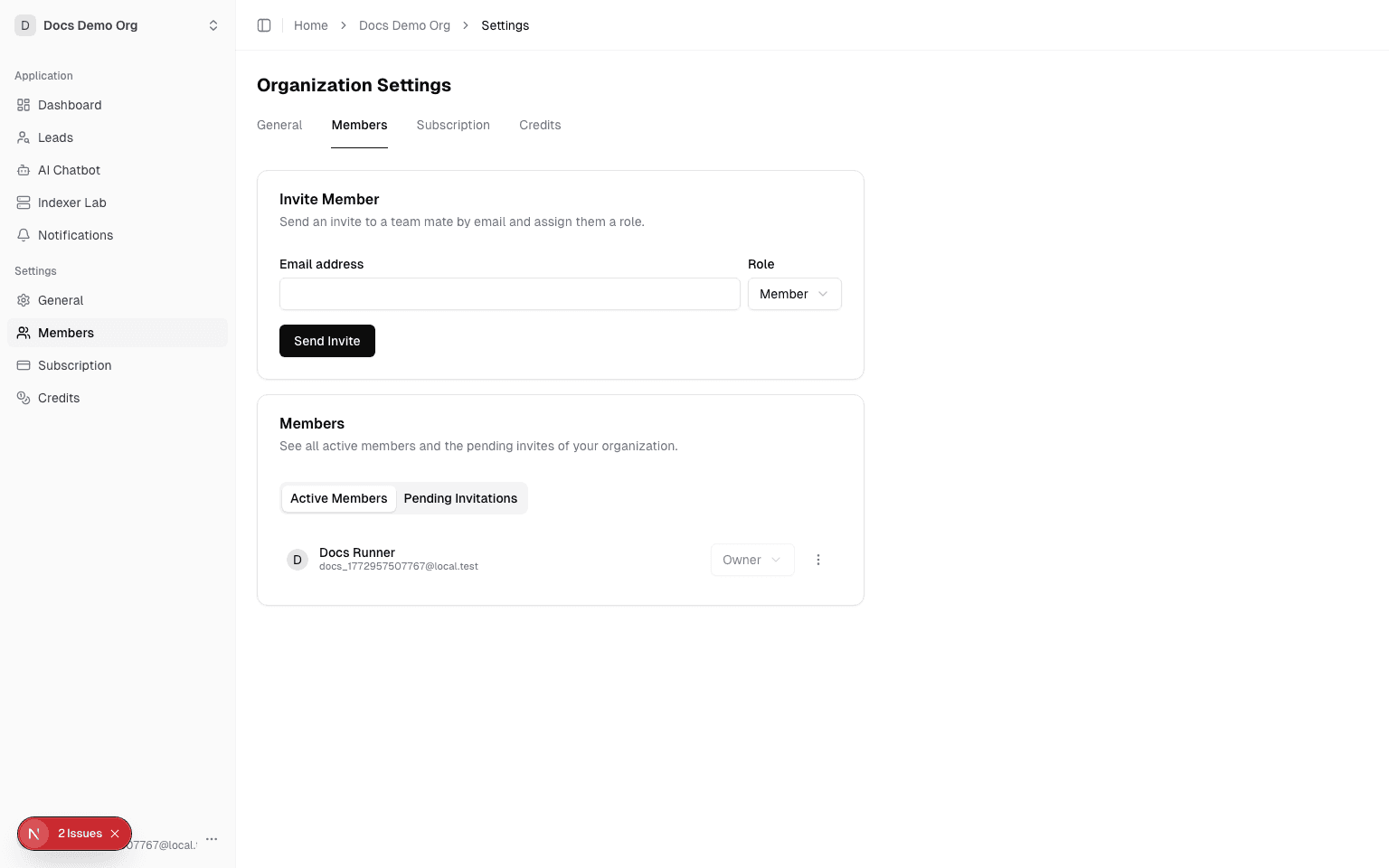
Route: /dashboard/organization/settings?tab=members
Use this tab to:
- Invite a teammate by email
- Assign role on invite (
member,admin,ownerconstraints apply) - Review active members
- Review pending invitations
Invite and limit notes:
- Member limits are enforced by plan limits
- Duplicate pending invitations are rejected
Roles Tab
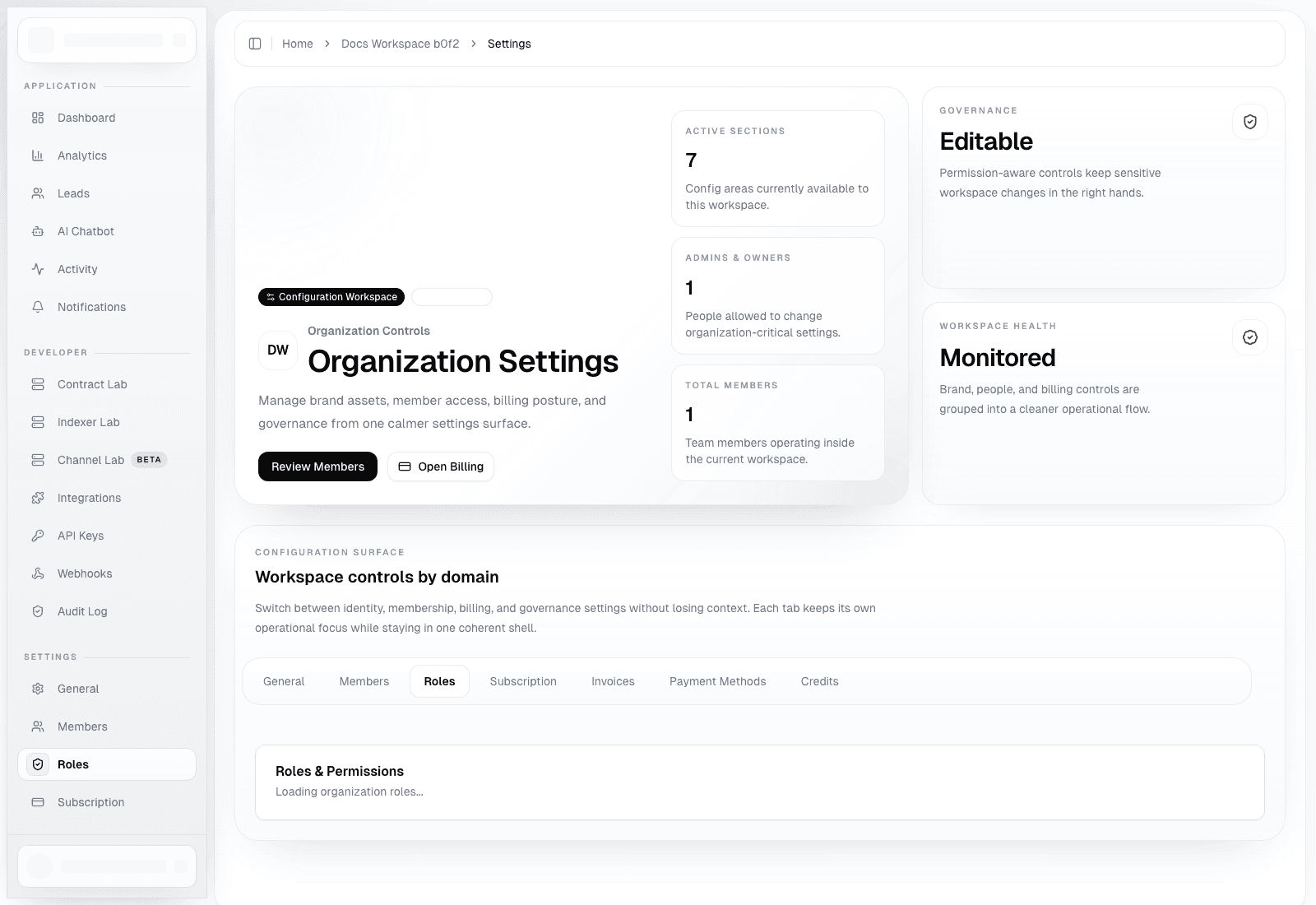
Route: /dashboard/organization/settings?tab=roles
Use this tab to:
- Review the count of
owner,admin, andmemberseats - Confirm your current organization role
- Use the built-in permission matrix as the reference for billing, automation, invite, and destructive actions
Important role model:
owner: full organization control, including destructive operationsadmin: manages day-to-day operations, billing, invites, and automationmember: works with shared workspace resources, but cannot manage protected controls
Platform admins still retain full platform-wide access, but the roles tab is the correct place to explain organization-local permissions to operators.
Operational Recommendations
- Standardize naming conventions before inviting broader teams
- Use role assignment conservatively (
admin/owneronly where required) - Keep pending invitations clean to reduce confusion during onboarding
- Review the roles tab before granting API key, billing, or webhook responsibilities
Troubleshooting
Could not save organization: usually permission/session mismatch or backend validation failure.- Member invite fails with
FORBIDDEN: organization may have reached plan member limit. - Logo upload fails: check storage config and signed upload URL flow.