Migration Guide
How to move from scripts, cloud dashboards, billing portals, and support tools into Obelisk without losing control
Ask AI about this page
Get answers grounded in the live Obelisk docs set, with source links, selected-text explainers, and prompts for the next document to read.
Use this guide when you are not starting from zero.
Most teams evaluating Obelisk already have some working stack. The question is not "can we rebuild everything?" The question is "how do we consolidate the workflows that are already expensive to coordinate?"
What Usually Exists Before Obelisk
Typical setup:
- cloud dashboards for runtime operations
- internal scripts for lifecycle actions
- ad hoc environment variables and secret handling
- weak auditability for create, redeploy, suspend, and deprovision actions
Adopt Obelisk when the missing piece is a durable control plane around runtime execution.
Typical setup:
- spreadsheets or a lightweight CRM for customer workflows
- support intake in chat or email
- billing handled in a separate portal
- runtime context living somewhere else entirely
Adopt Obelisk when customer work, billing ownership, and operational delivery need one shared system of record.
Typical setup:
- one tenant-facing workspace
- one separate admin panel
- one monitoring surface
- one collection of incident scripts
Adopt Obelisk when platform governance needs to sit closer to tenant operations instead of above them as a disconnected layer.
What Moves Into Obelisk
| Current system | What usually moves first | Where it lands in Obelisk |
|---|---|---|
| Cloud dashboard or scripts | Provisioning and deployment visibility | Contract Lab, Indexer Lab, Channel Lab |
| Spreadsheet or lightweight CRM | Tenant-local workflow tracking | /dashboard/organization/leads, activity, analytics |
| Billing portal with weak product context | Subscription, invoices, credits, payment methods | /dashboard/organization/settings |
| Internal API glue | Scoped automation entry points | API keys, public deployment API, webhooks |
| Chat-driven escalation | Platform oversight and alert handling | admin console, platform alerts, support surfaces |
Recommended Migration Sequence
1. Adopt The Obelisk Operating Model First
Before moving data or automation, align on the model:
- users authenticate once
- work happens inside organization-scoped workspaces
- platform-wide intervention happens in admin surfaces
- sensitive automation is exposed through managed credentials, not raw internal access
If your team is still debating those boundaries, migration will feel harder than it should.
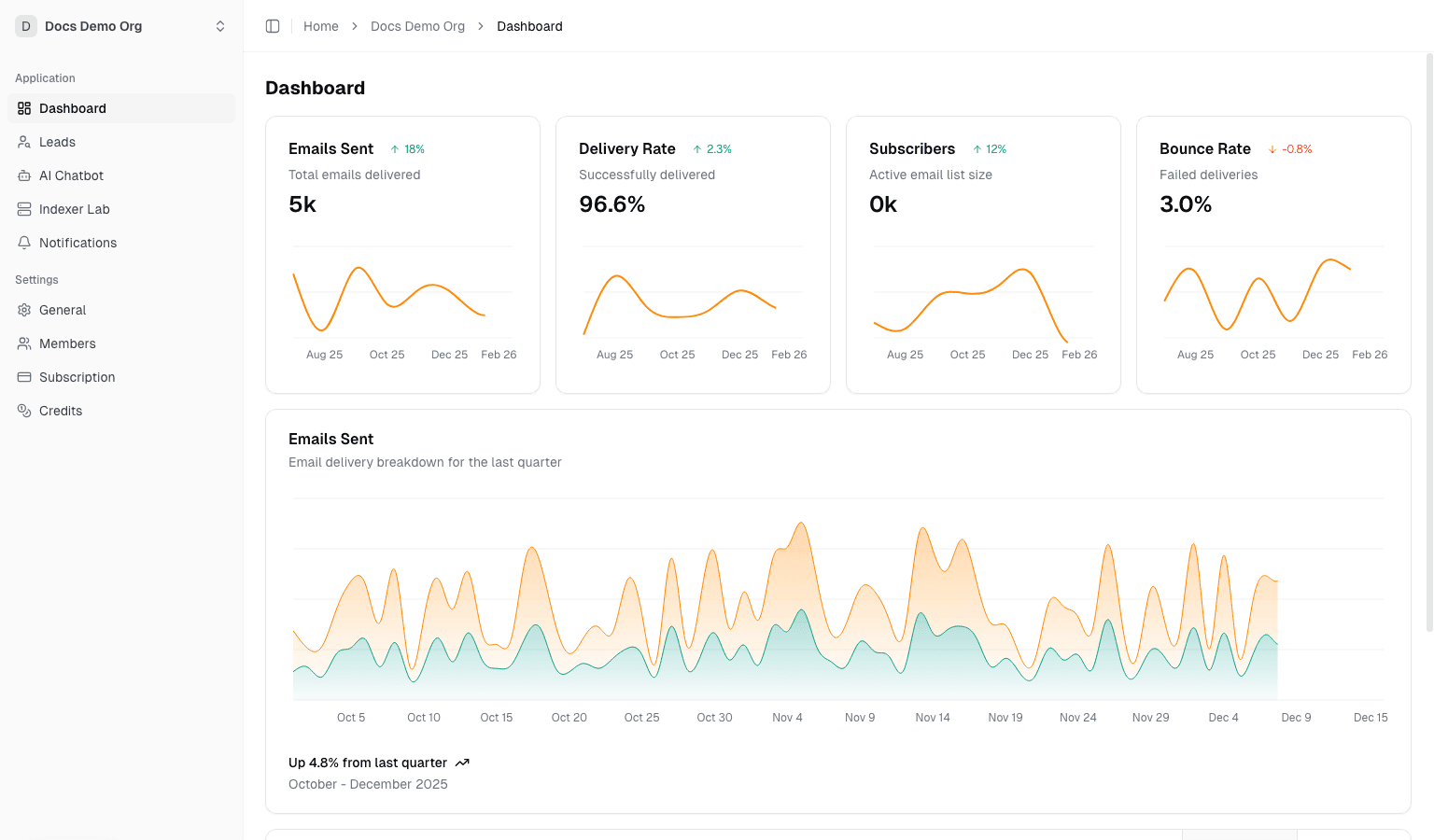
2. Stand Up The Tenant Boundary
Create or select the organizations that will become your operational units.
Then validate:
- owners and admins are assigned intentionally
- the right organization is set as
activeOrganizationId - billing and plan-gating behavior are understood before runtime work begins
3. Move Machine Access Before Moving High-Risk Workflows
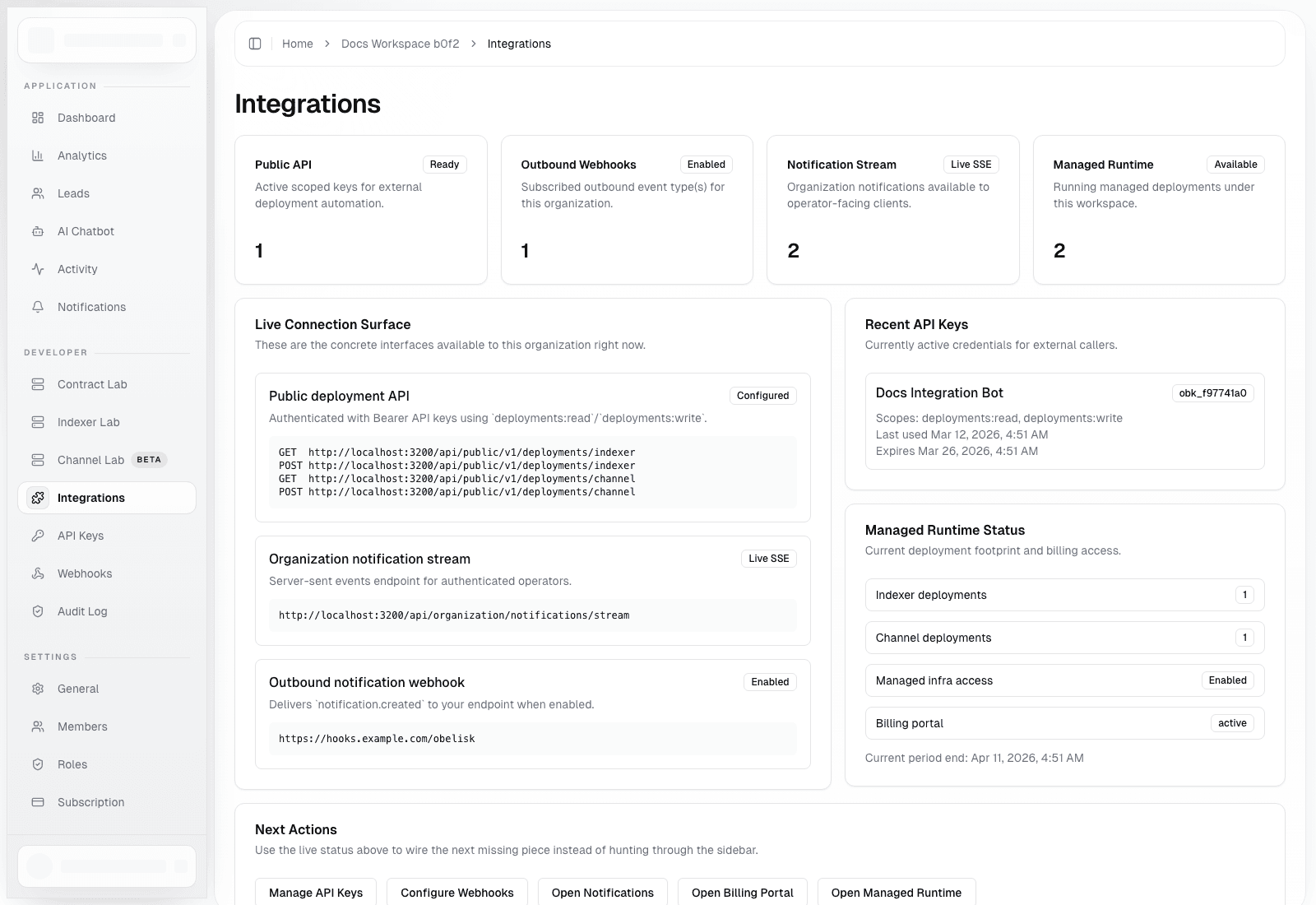
Set up:
- scoped API keys
- public deployment API access
- outbound webhooks
- notification stream consumers if needed
This gives you a governed automation boundary before you cut over runtime tasks.
4. Move Runtime Workflows Into Productized Surfaces
Pick the runtime surface that matters most first:
Contract Labfor revision-driven contract workflowsIndexer Labfor managed indexer lifecycle controlChannel Labfor managed Dubhe channel deployments
Do not migrate every runtime surface at once unless your current stack is already standardized.
5. Cut Over Governance, Billing, And Escalation
Once tenant work and automation are stable in Obelisk, move the higher-trust workflows:
- billing administration
- credits and auto top-up
- admin notifications
- platform alert review and acknowledgement
That is the point where Obelisk stops being an adjacent tool and becomes a real control plane.
A Practical First Cutover
For most teams, the safest initial cutover looks like this:
- keep existing infra running
- create organization workspaces in Obelisk
- issue API keys and validate public deployment endpoints
- configure outbound webhooks and verify signature handling
- move one runtime workflow into Obelisk
- move billing and platform alerts only after runtime ownership is clear
Migration Risks To Avoid
- moving automation without defining owner and admin roles first
- letting one API key serve every environment indefinitely
- trying to cut over tenant operations and platform governance in one step
- treating the organization workspace like a demo surface instead of the main operating surface
- importing complexity before deciding which workflows actually belong in Obelisk
Good Signs During Migration
- users stop asking which system is the source of truth
- deployment actions leave durable records instead of disappearing into scripts
- billing owners and operators can see the same tenant context
- platform intervention happens through admin pages and alerts rather than side channels