Core Concepts
The mental model behind accounts, organizations, runtime surfaces, automation, and governance
Ask AI about this page
Get answers grounded in the live Obelisk docs set, with source links, selected-text explainers, and prompts for the next document to read.
This page explains the concepts that make the rest of the docs easier to read.
If you understand these concepts first, the product stops looking like a long list of pages and starts looking like a coherent operating model.
Obelisk Is A Control Plane
Obelisk is not only a dashboard and not only a deployment console.
It is a control plane for teams that need to:
- operate tenant workspaces
- manage runtime workflows
- expose automation safely
- keep billing and governance close to execution
That distinction matters because the product is designed around coordination, not just page-level CRUD.
Account, Organization, And Admin Are Different Contexts
You move through three distinct contexts in the product:
Account: your personal identity, profile, and preferencesOrganization: the tenant workspace where most operational work happensAdmin: the platform-wide surface for governing many organizations
The same user can move across these contexts, but the responsibilities are different in each one.
Active Organization
Most tenant features depend on the active organization stored in session state.
This is why the product can safely scope:
- settings
- analytics
- runtime actions
- billing
- API keys
- webhook configuration
If the active organization is wrong, the rest of the workflow is wrong.
Organization Workspace
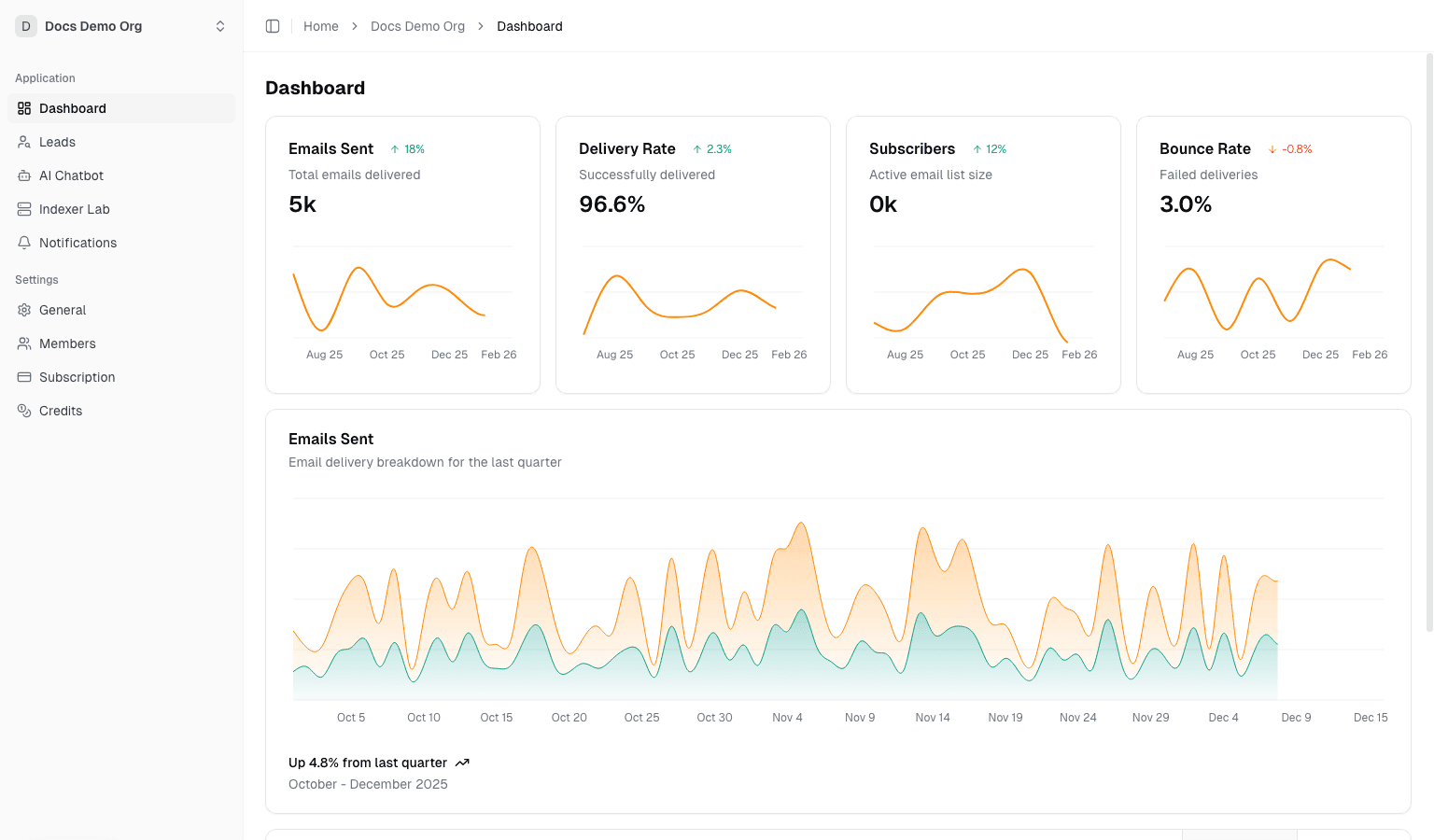
The organization workspace is the day-to-day operating surface under /dashboard/organization/*.
It brings together:
- customer and pipeline activity
- AI-assisted workflows
- runtime tooling
- integrations
- observability
- billing and settings
Runtime Surfaces
Obelisk includes productized runtime surfaces instead of forcing teams to manage everything through scripts.
The main runtime surfaces are:
Contract Lab: revision-driven contract work, validation, and deploymentIndexer Lab: managed indexer provisioning and lifecycle actionsChannel Lab: managed Dubhe channel deployments and operations
These pages matter because they turn infrastructure work into governed product workflows.
Automation Surfaces
Automation is part of the product, not an afterthought.
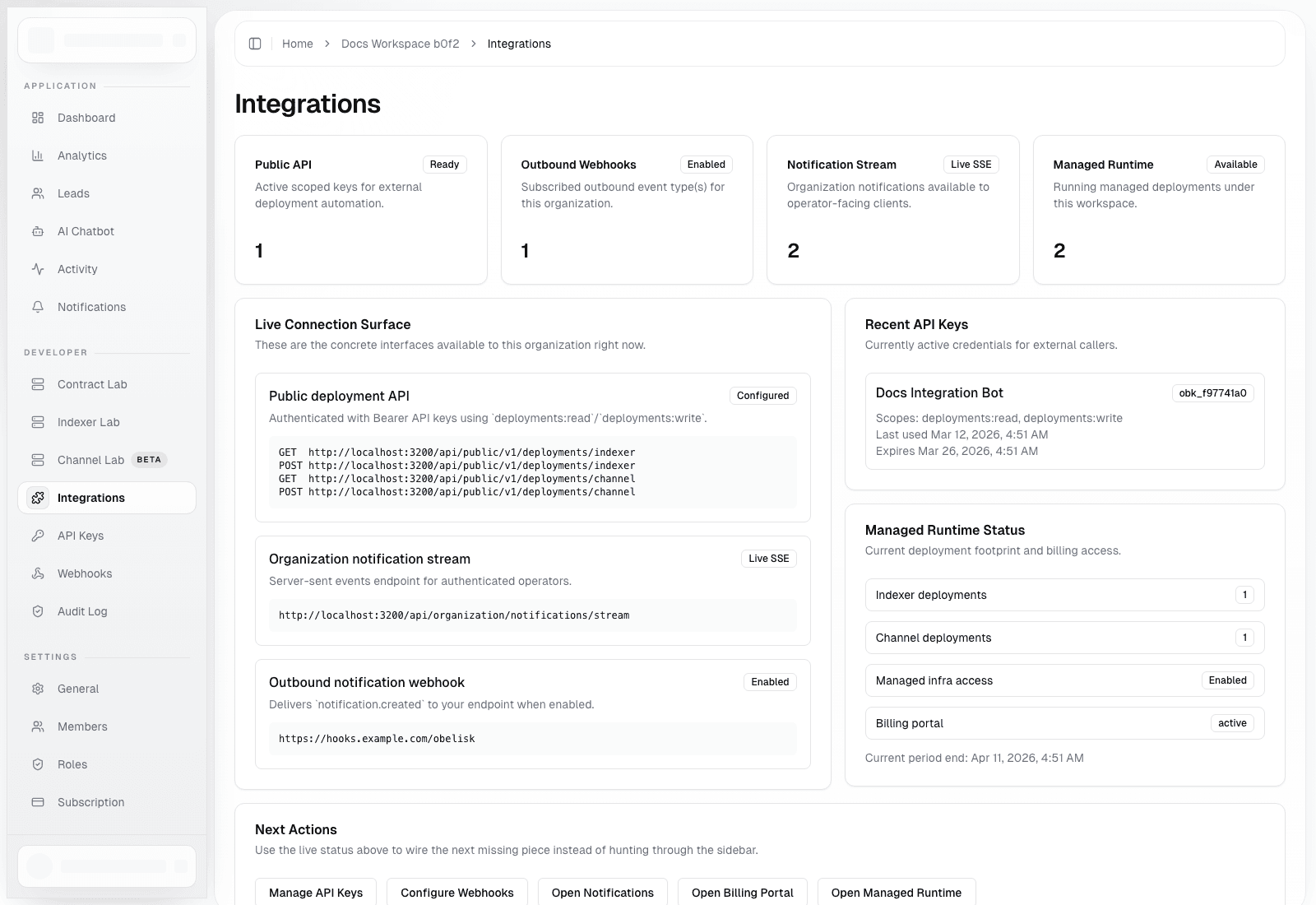
The main automation surfaces are:
- scoped API keys
- public deployment API routes
- outbound webhooks
- real-time notification streams
The goal is to let teams automate without bypassing access control, auditability, and ownership.
Roles And Governance
Obelisk uses a two-layer role model:
- platform roles for platform-wide administration
- organization roles for tenant-local permissions
That split keeps platform governance separate from normal tenant operations.
This is especially important for:
- invitation flows
- billing actions
- member management
- API and webhook controls
- platform incidents
Durable Execution
The product is designed around durable, inspectable actions rather than "click and hope."
In practice, that means workflows rely on persisted records such as:
- deployment state
- provisioning tasks
- audit trails
- alert history
The value of the system increases when teams can inspect what happened, who triggered it, and what failed.
Credits, Billing, And Commercial Controls
Commercial controls are close to the work they govern.
That includes:
- subscriptions
- invoices
- payment methods
- credits
- auto top-up
This makes it easier for operators, finance owners, and admins to reason about usage and spend in one place.
A Simple Way To Read The Product
If you want the shortest mental model possible, read Obelisk like this:
- users authenticate into the platform
- work happens inside organization-scoped workspaces
- runtime actions and integrations are exposed as governed workflows
- admins oversee the whole system from a separate control surface