Billing and Credits: Subscription, Invoices, Payment Methods, Credits
The current billing surface exposed through organization settings
Page-aware AI
Ask AI about this page
Get answers grounded in the live Obelisk docs set, with source links, selected-text explainers, and prompts for the next document to read.
This guide covers the billing-related tabs that live inside organization settings.
Entry Points
Route: /dashboard/organization/settings
/dashboard/organization/settings?tab=subscription: subscription status, plan tier, billing cycle/dashboard/organization/settings?tab=invoices: invoice list and hosted receipt links/dashboard/organization/settings?tab=payment-methods: Stripe billing portal launch/dashboard/organization/settings?tab=credits: credit balance, purchase history, auto top-up
For general organization controls:
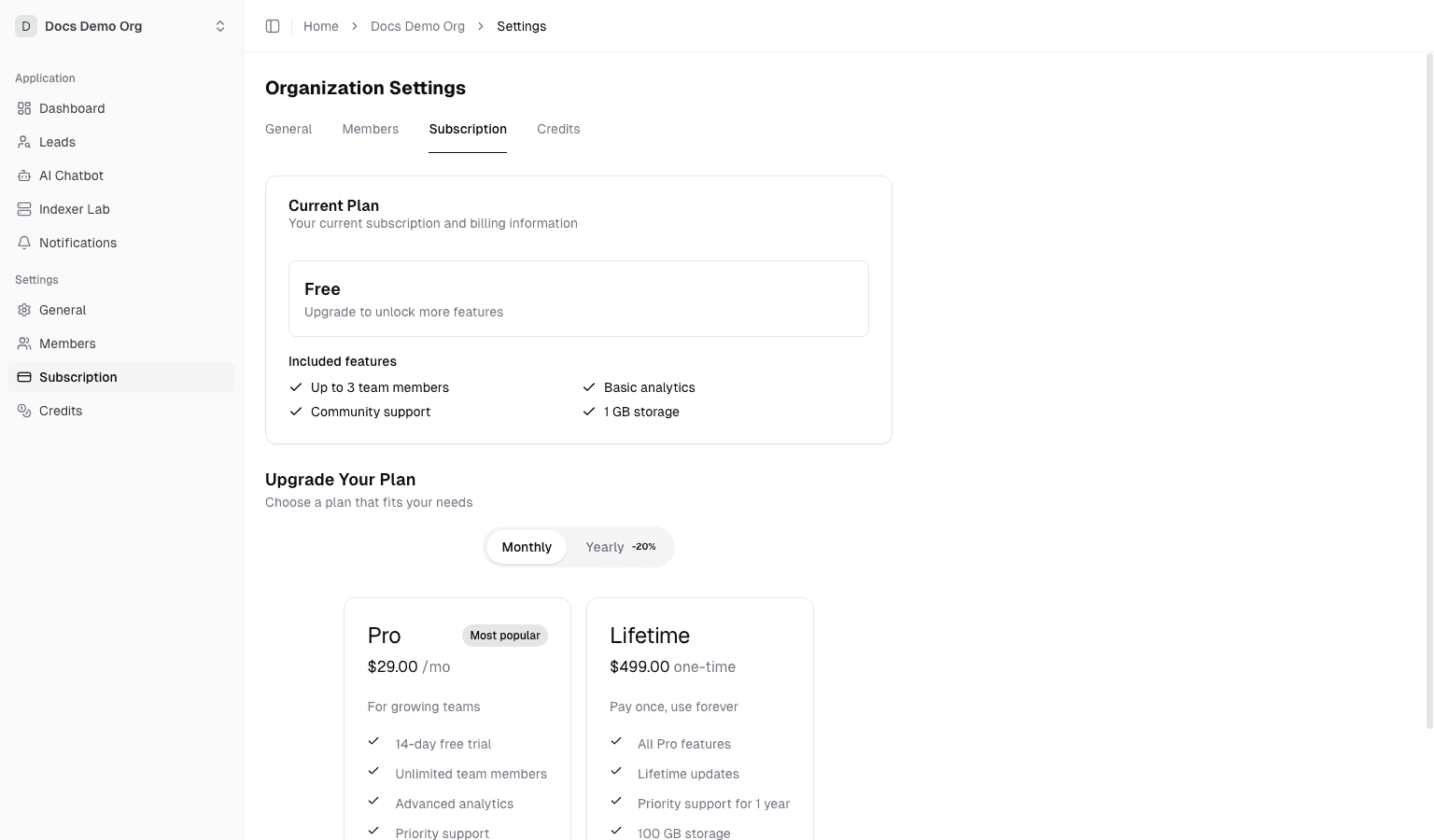
Subscription
Use this tab to:
- View current subscription plan and status
- Start upgrade or downgrade flows
- Review billing cycle details
Invoices
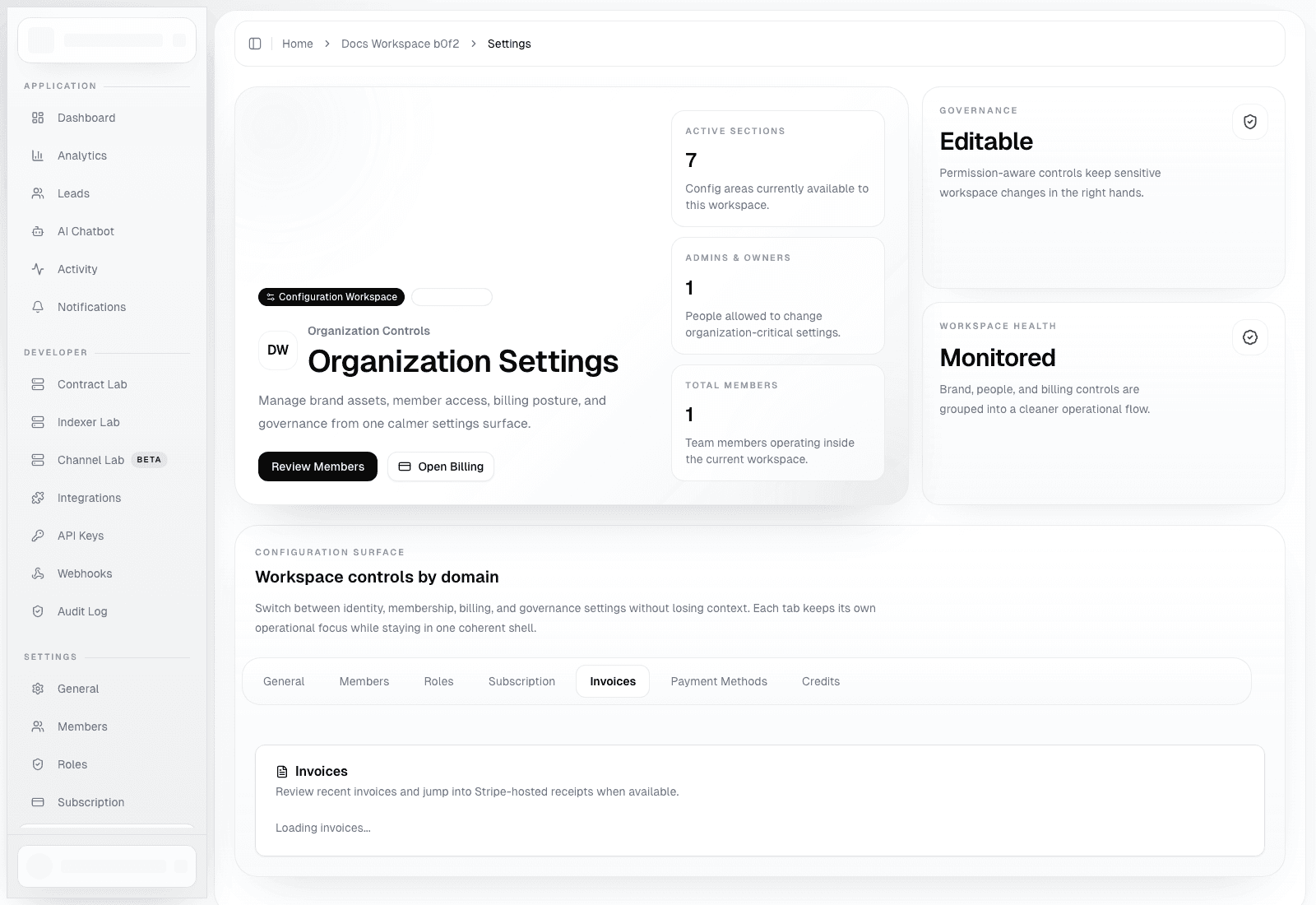
Use this tab to:
- Review recent invoices for the active organization
- Open Stripe-hosted invoice pages or receipts when available
- Confirm invoice amount, status, and creation date without leaving the app first
Recommended use:
- Start in the in-app invoices tab for quick verification
- Jump to Stripe-hosted pages only when you need a formal receipt, PDF, or deeper payment context
Payment Methods
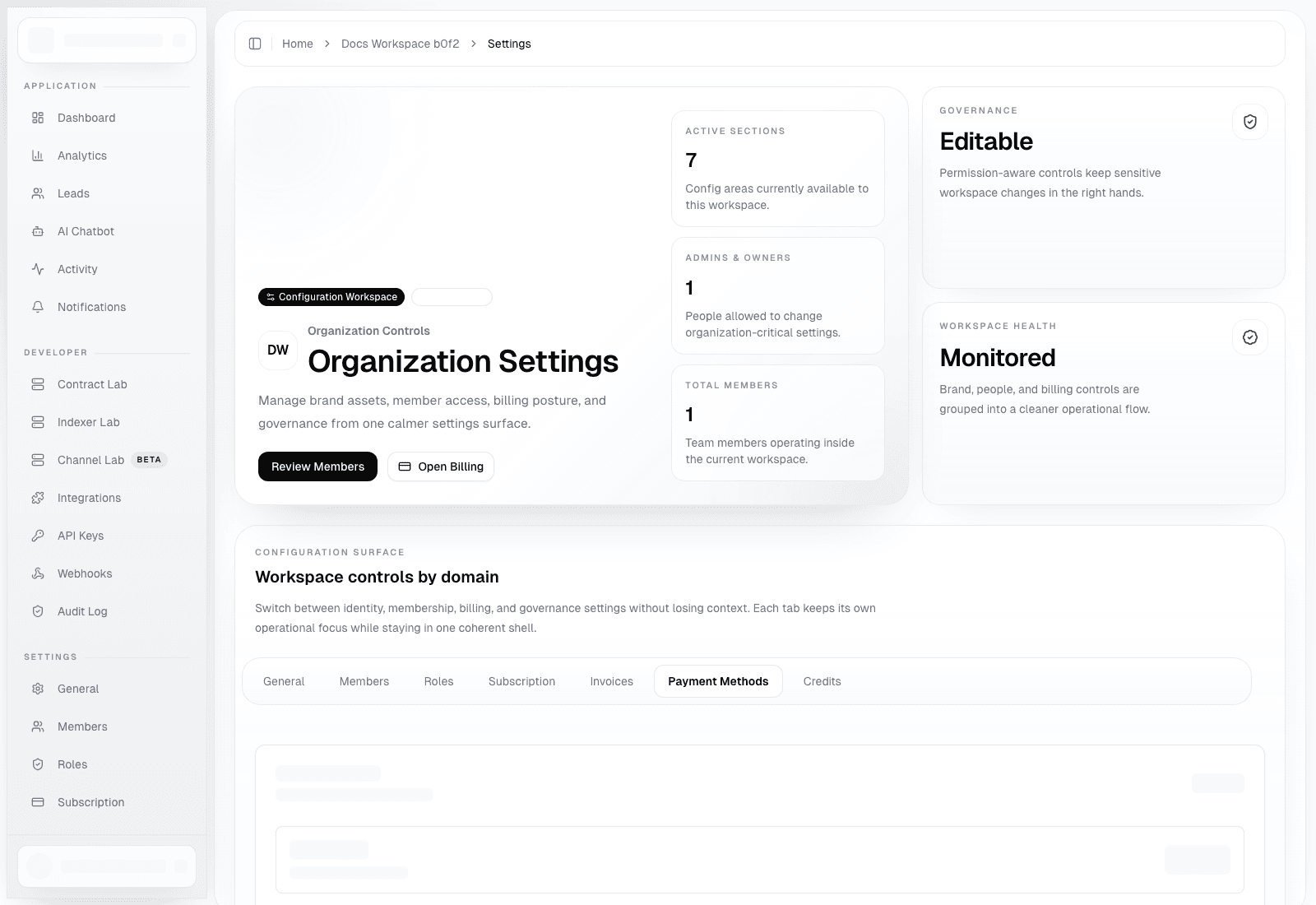
Use this tab to:
- Launch the Stripe billing portal for this organization
- Add or replace the default payment method
- Update billing address, tax details, and invoice preferences
Permission note:
- Only organization owners and admins can open billing management actions
Credits
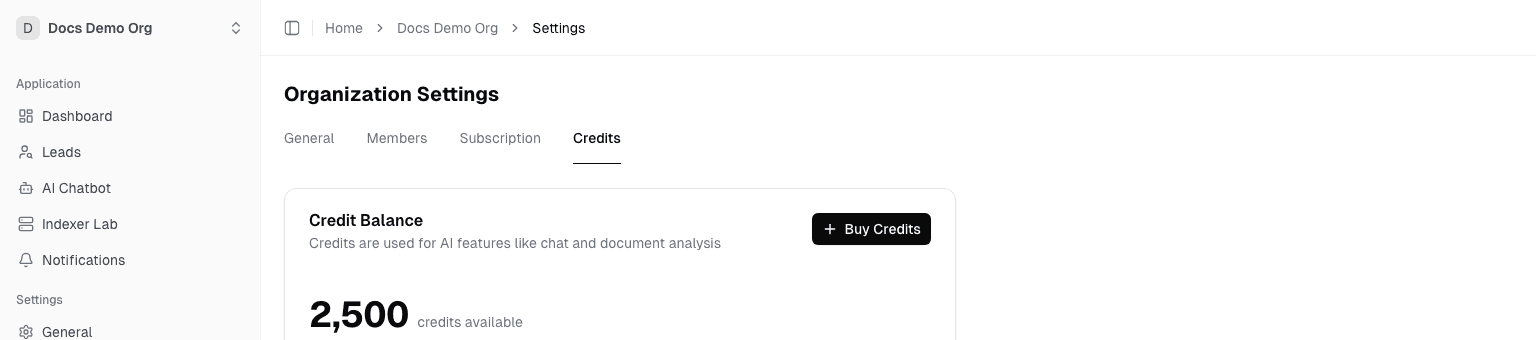
Use this tab to:
- View credit balance and usage history
- Purchase credits manually
- Configure auto top-up
Recommended Auto Top-up Settings
Suggested starting values (adjust for your budget):
Threshold: 5% (trigger when balance falls below this level)Cooldown: 30 minutesMax top-ups/day: 3
This helps prevent AI feature interruptions when credits are consumed quickly.
Troubleshooting
- Balance unchanged after purchase: first verify Stripe webhook delivery
- Auto top-up not triggered: verify it is enabled, threshold is reasonable, and daily cap is not reached
- Billing portal fails to open: check Stripe configuration and ensure the organization has a valid Stripe customer context
- No invoices visible: invoices appear only after the organization has a paid subscription or credit purchase history