Admin Console: Users, Organizations, Notifications, App Config
The current platform admin workspace and how each page is used in daily operations
Ask AI about this page
Get answers grounded in the live Obelisk docs set, with source links, selected-text explainers, and prompts for the next document to read.
The admin console is the platform-scoped surface under /dashboard/admin/*.
Use it for cross-organization governance, not for normal tenant work.
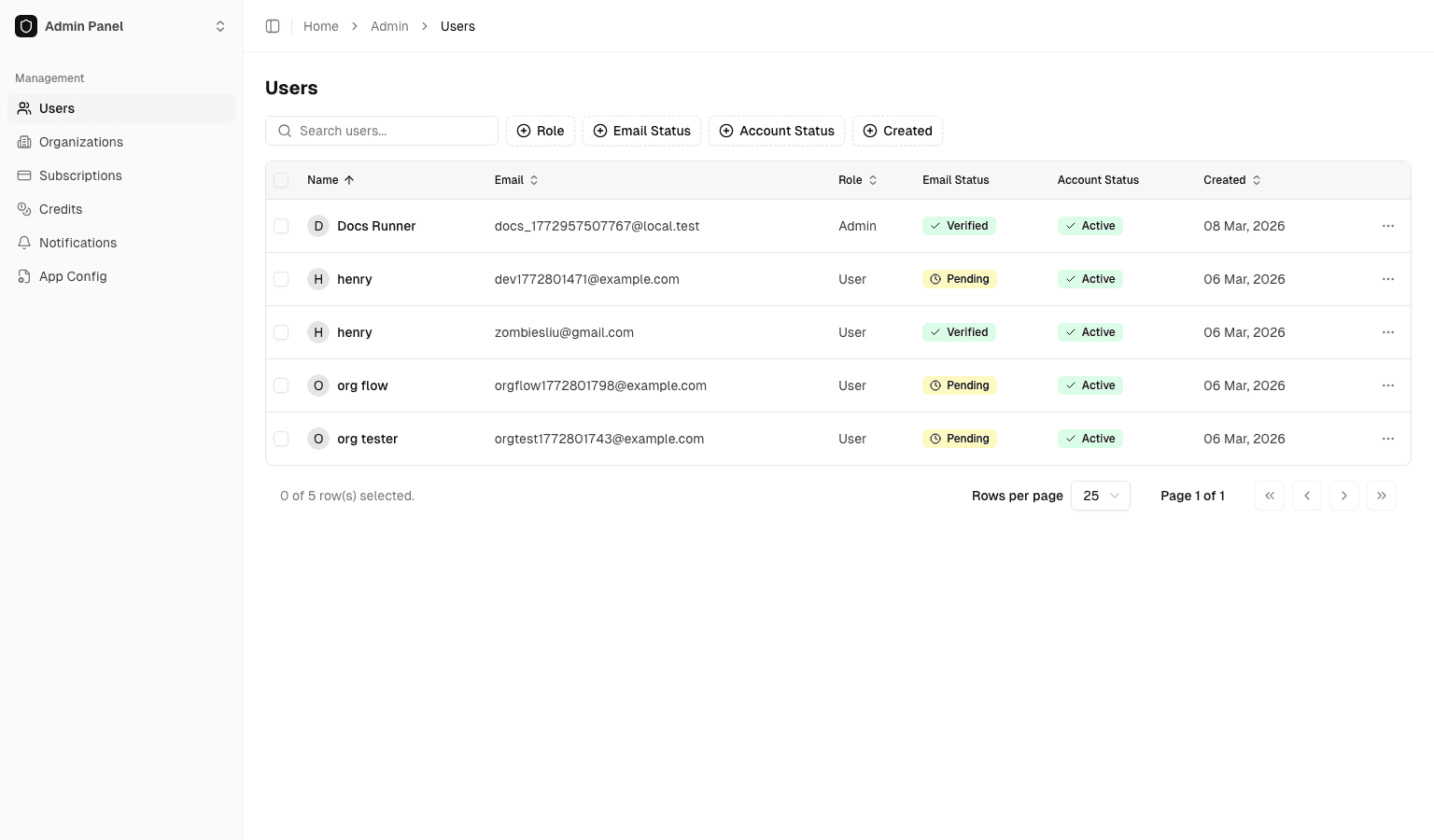
Users
Route: /dashboard/admin/users
Use this page to:
- Review user list and basic account details
- Perform admin-level user actions such as role changes, bans, and bulk operations
Organizations
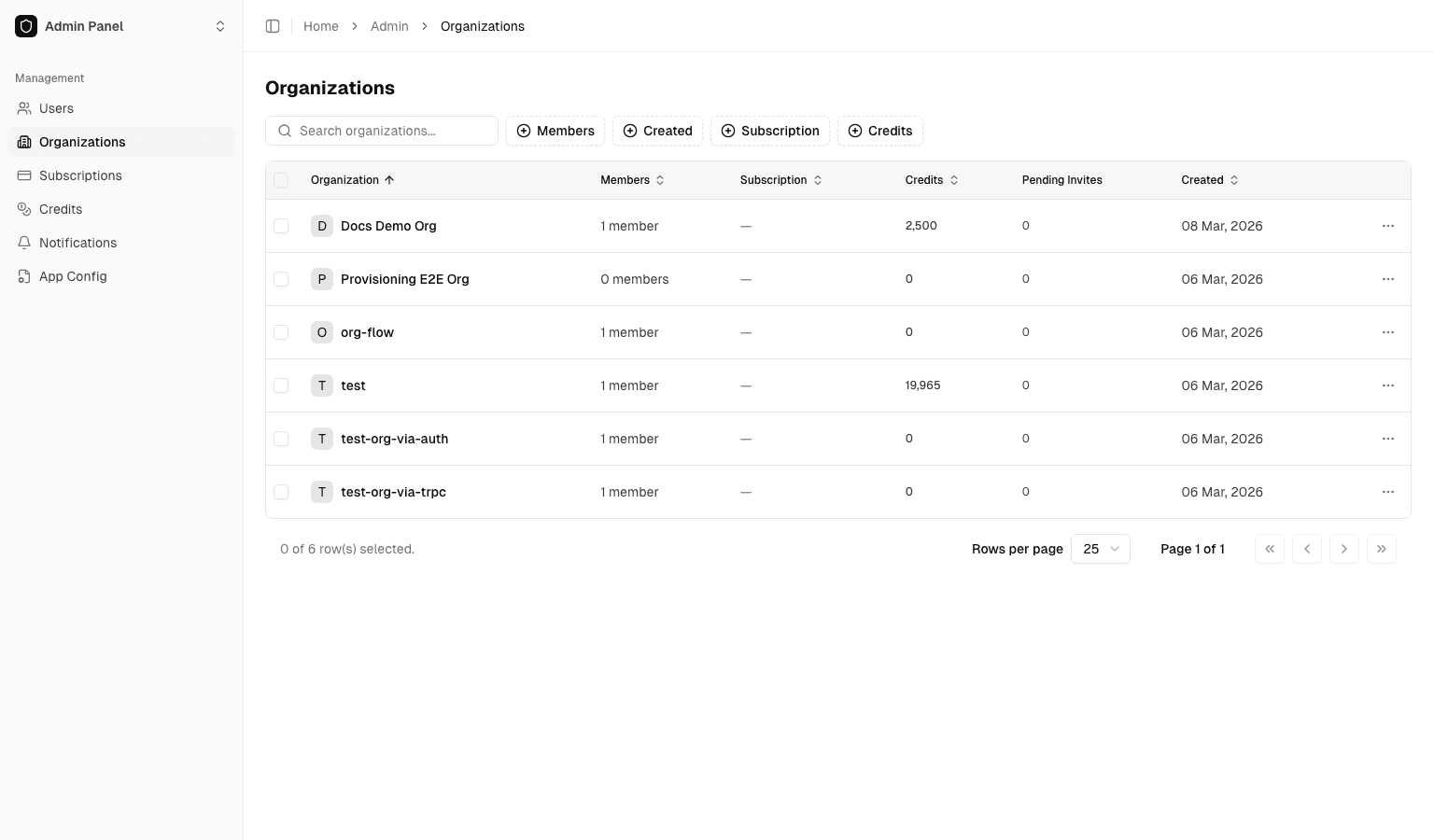
Route: /dashboard/admin/organizations
Use this page to:
- Review organization list
- Inspect key organization-level states
- Perform organization-level adjustments such as credit changes, Stripe sync, and subscription operations
Notifications
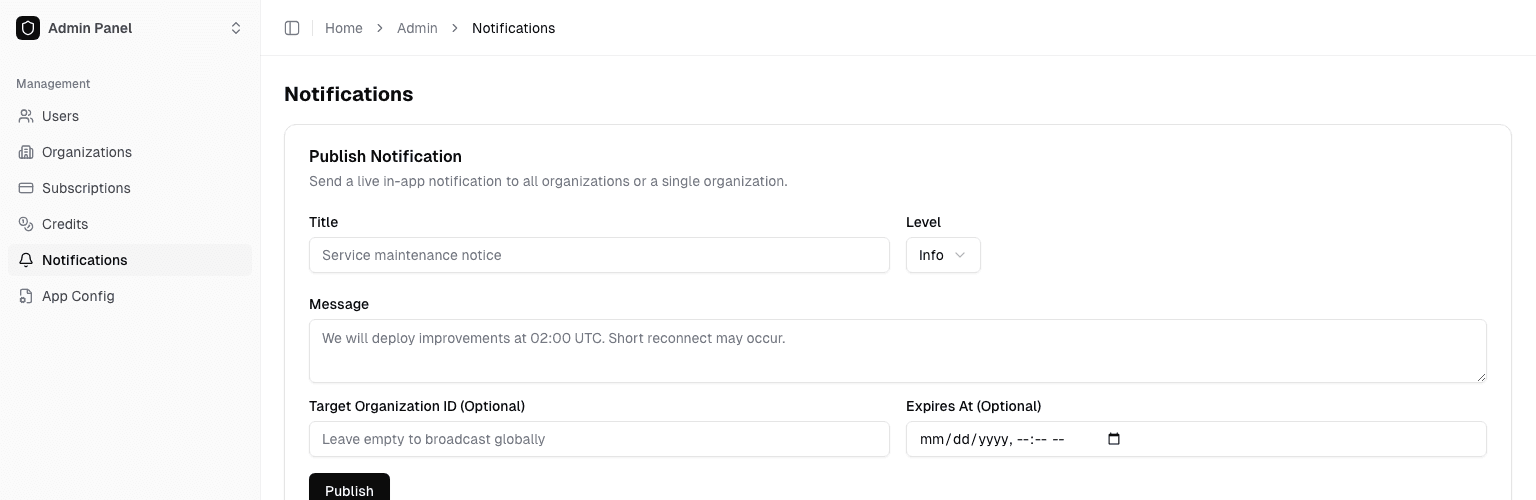
Route: /dashboard/admin/notifications
Use this page to:
- Publish global notifications or org-targeted notifications
- Set notification level and expiration time
- Review published notifications and read counts
App Config
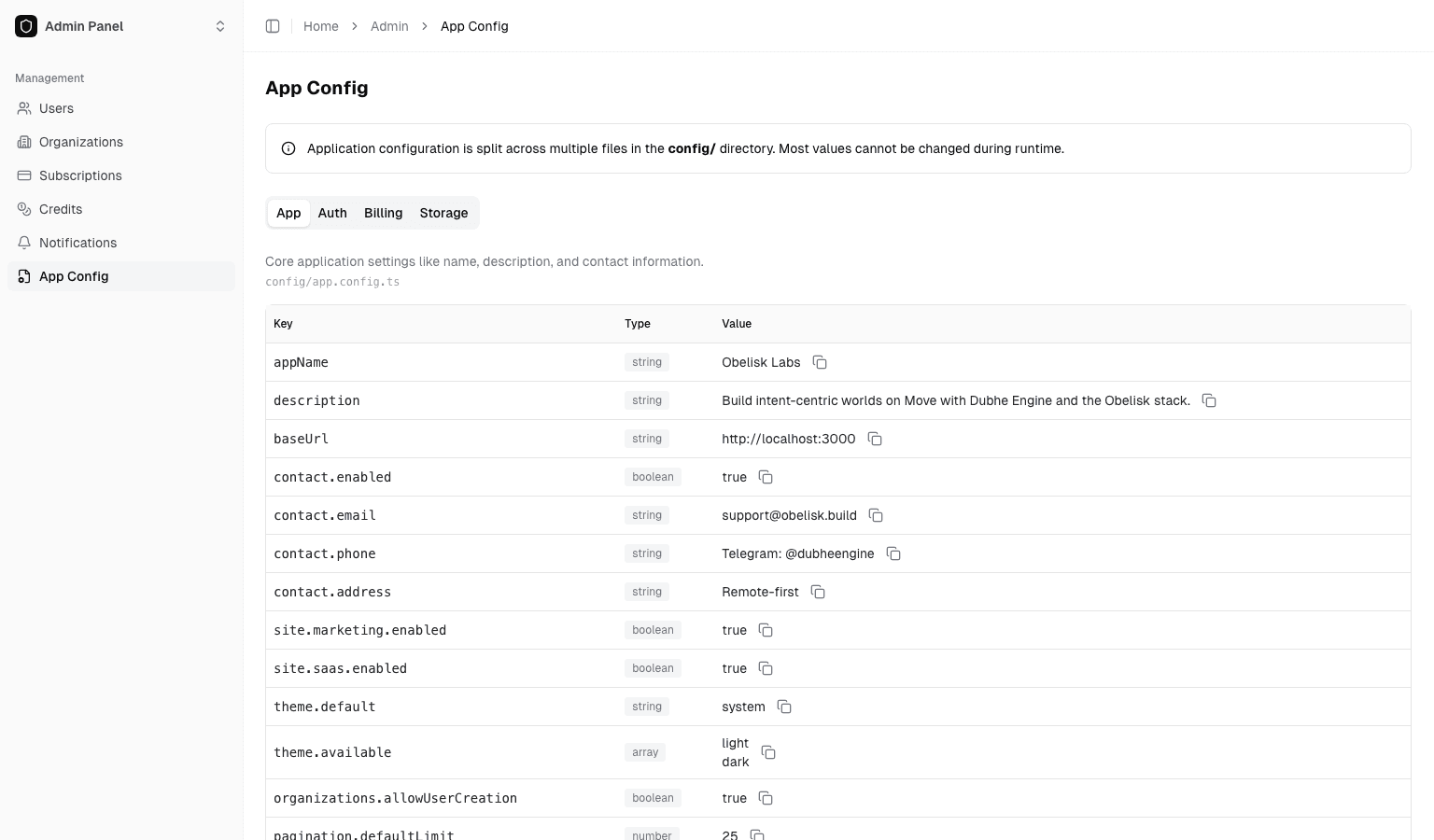
Route: /dashboard/admin/app-config
Use this page to:
- View and manage application-level settings
- Maintain shared cross-organization config values
Platform Alerts
Route: /dashboard/admin/platform-alerts
Use this page to:
- Review current platform health derived from queue, release, delivery, and rate-limit signals
- Filter historical alert events by lifecycle, severity, delivery result, channel, and audit action
- Acknowledge, silence, and unsilence open alert events
- Export summary and history datasets for external review
Detailed guide:
Admin Recommendations
- Validate configuration in a test organization before rollout to production organizations
- Use clear notification titles and explicit effective windows
- Log operator and timestamp for config changes to support auditability
- Keep tenant troubleshooting inside organization-scoped pages unless a problem is clearly platform-wide
Navigation Note
Current production-ready admin pages in this release:
/dashboard/admin/users/dashboard/admin/organizations/dashboard/admin/notifications/dashboard/admin/app-config/dashboard/admin/platform-alerts
Contract Lab Tutorial: Revisions, AI Rewrite, Validate, Deploy
Step-by-step guide for using Contract Lab from project creation to deployment
Platform Alerts: Health, Delivery, Acknowledgement, Export
How platform-wide health alerts are surfaced, filtered, acknowledged, and exported from the admin console