Account Center: Settings, Activity, Preferences
The personal dashboard pages that belong to the signed-in user rather than the active organization
Ask AI about this page
Get answers grounded in the live Obelisk docs set, with source links, selected-text explainers, and prompts for the next document to read.
These routes are personal, not organization-scoped. Use them when the change belongs to the signed-in person rather than the active workspace.
Personal Routes
/dashboard/settings?tab=profile/dashboard/settings?tab=security/dashboard/settings?tab=sessions/dashboard/activity/dashboard/preferences
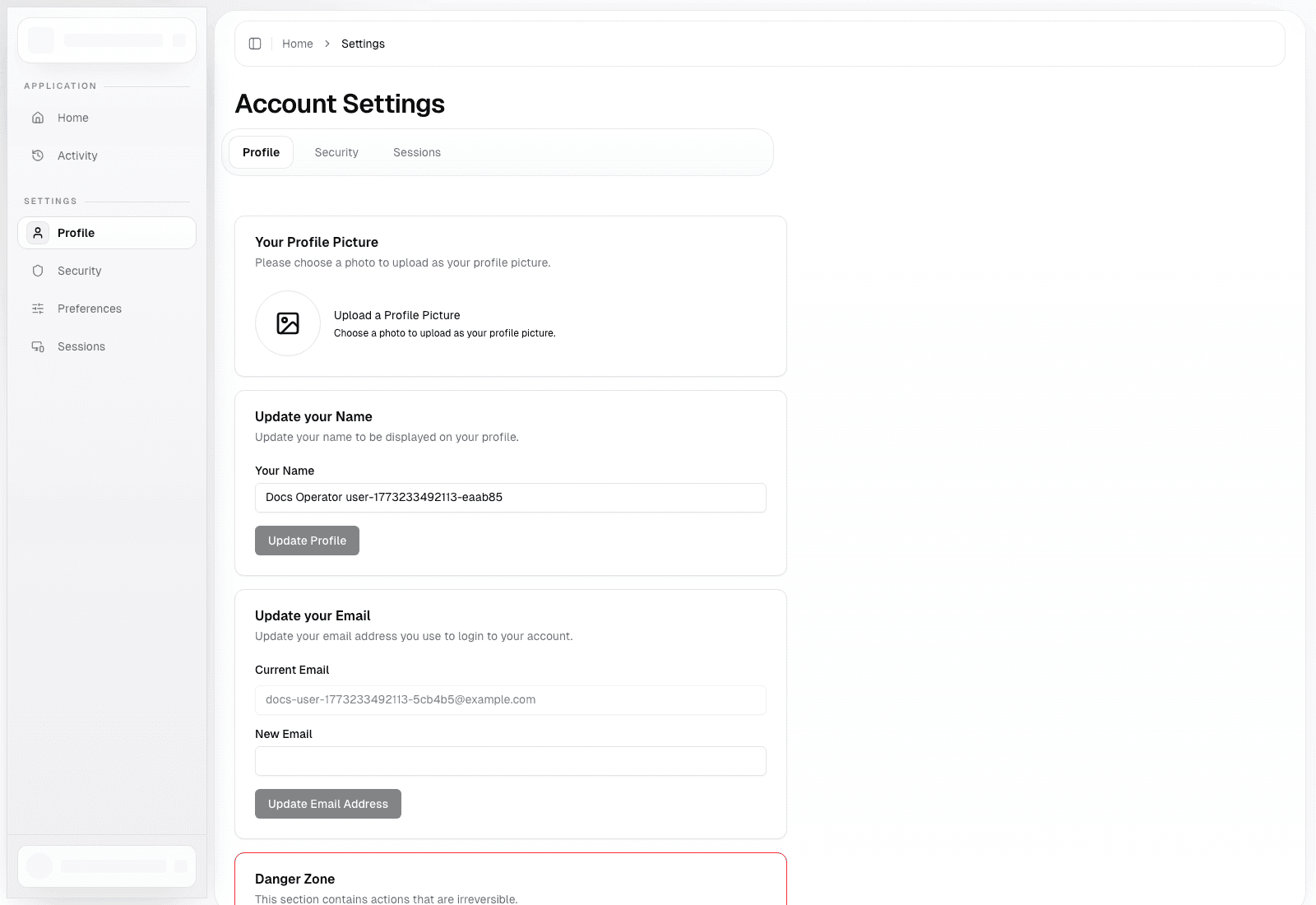
Account Settings
Route: /dashboard/settings
Use this page to:
- update account identity details in
Profile - manage password and security controls in
Security - review active sessions and device visibility in
Sessions
Use this page for personal account maintenance, not workspace governance.
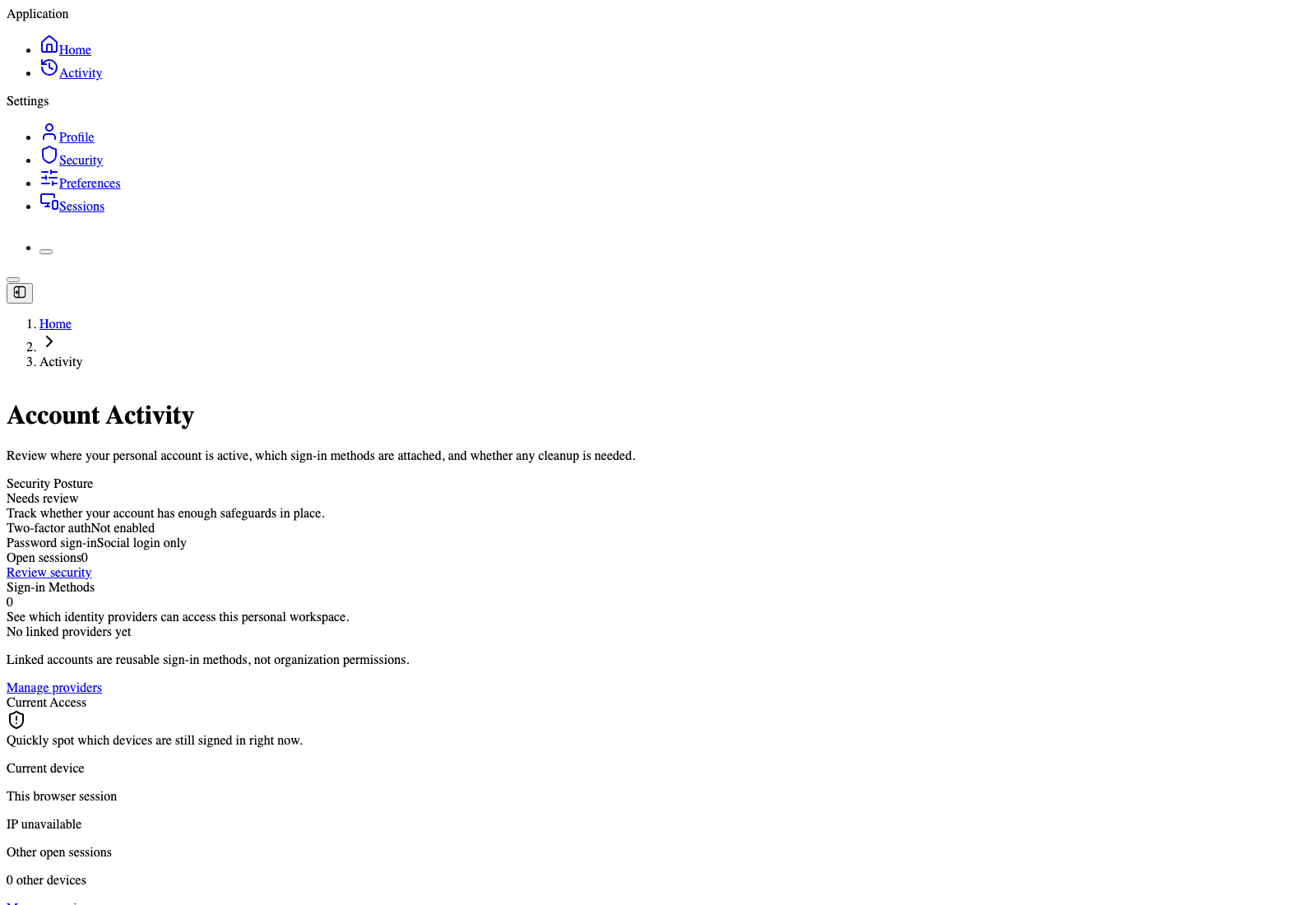
Account Activity
Route: /dashboard/activity
Use this page to:
- review security posture
- review current access posture
- jump into session management when account access looks suspicious
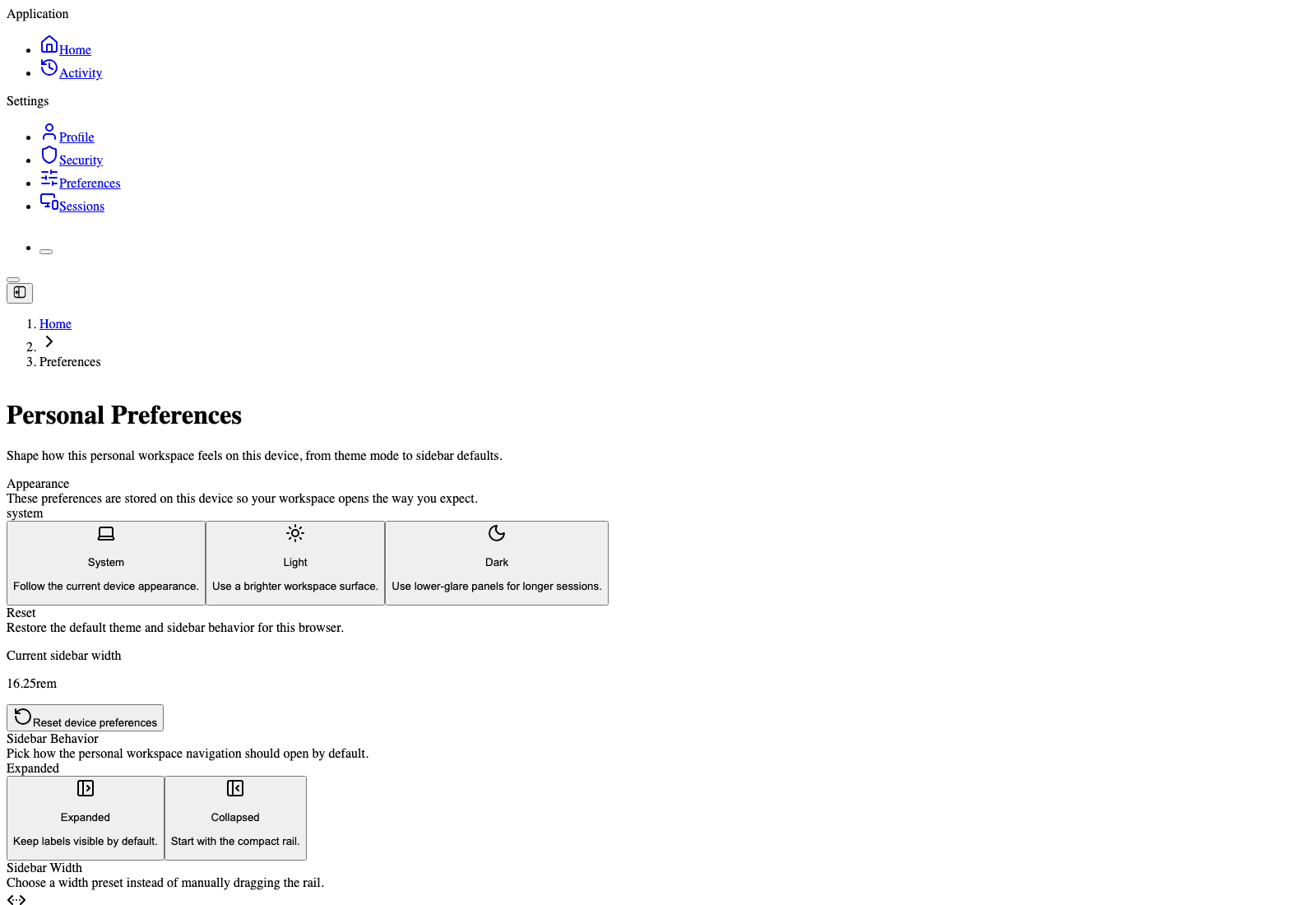
Personal Preferences
Route: /dashboard/preferences
Use this page to:
- appearance mode
- sidebar behavior
- sidebar width
- device-local preference reset
These settings tune how the application feels for the current user on the current device.
When To Use Personal Pages vs Organization Pages
- Use personal pages for account, security, and UI preferences
- Use organization pages for members, billing, API keys, webhooks, deployments, and support
Authentication and Onboarding: Sign-up, Sign-in, Verify, Reset, Plan Gate
Current account-entry flows, including invitations and the newer two-step onboarding path
Organization Workspace: Daily Navigation and Core Product Surfaces
How the organization workspace is structured, why it matters, and where each workflow lives