Obelisk Documentation
Product, operator, platform, and architecture documentation for evaluating, operating, and governing Obelisk
Ask AI about this page
Get answers grounded in the live Obelisk docs set, with source links, selected-text explainers, and prompts for the next document to read.
This is the primary documentation entry point for Obelisk. It is designed to help a new reader answer four questions quickly:
- what the product is
- whether it fits their team
- how the main workflows are organized
- where to go next based on role and urgency
Obelisk is strongest when your team is already feeling the cost of fragmented operational tooling.
Start With The Question You Need Answered
What does Obelisk actually do?
Get the product framing, operating scope, and the main workflows the platform unifies.
Why not keep separate tools?
Understand why teams consolidate around a control plane instead of extending scripts, dashboards, and portals.
Is this a fit for our team?
See adoption signals, weak-fit signals, and the kinds of teams that get the most value from Obelisk.
How fast can I evaluate it?
Use the 30-minute path to enter the real product and inspect the highest-value surfaces.
How would we migrate into it?
Use the migration guide when you already run scripts, dashboards, billing portals, or support tooling today.
Where is the exact reference?
Use the reference layer for APIs, events, routes, permissions, and production-facing operational surfaces.
Why Obelisk Exists
Obelisk brings together operational workflows that are usually fragmented across multiple systems:
- runtime deployment and lifecycle management
- contract revision and release workflows
- organization-level customer operations
- API and webhook integrations
- billing, credits, and platform governance
For teams operating technical infrastructure and customer-facing workflows at the same time, that consolidation matters.
Four Pages To Understand Obelisk
1. Platform Overview
What the product operates, which workflows it unifies, and why the product matters.
2. Why Obelisk
Why teams move from fragmented tooling to a control plane and when that shift makes sense.
3. Quickstart
The fastest hands-on path through sign-in, organization context, integrations, and runtime surfaces.
4. Core Concepts
The mental model behind accounts, organizations, runtime surfaces, automation, and governance.
5. Migration Guide
How to move existing operations into Obelisk without forcing an all-at-once cutover.
What Makes Obelisk Different
One Control Plane, Not Five Tools
Why teams consolidate operations into Obelisk instead of living in scripts, dashboards, billing portals, and support threads.
Designed For Operating Complexity
See which teams benefit most, when the product is a strong fit, and when it is too much system.
A Real System Model
Learn the mental model behind accounts, organizations, runtime surfaces, automation, and governance.
Browse By Role
If you are deciding whether Obelisk fits your company, start here:
- Why Obelisk
- Use Cases and Team Fit
- Migration Guide
- Billing and Credits: Subscription, Invoices, Payment Methods, Credits
- FAQ
Use this path when the main question is whether the product matches your operating model and buying threshold.
If you own day-to-day execution, start here:
- Backend Getting Started: Sign-in, Organizations, and Navigation
- Organization Workspace: Daily Navigation and Core Product Surfaces
- Organization Observability: Activity, Analytics, Audit Log
- Support and Escalation
Use this path when you need to become productive inside a tenant workspace quickly.
If you govern the platform across many organizations, start here:
- Admin Console: Users, Organizations, Notifications, App Config
- Platform Alerts: Health, Delivery, Acknowledgement, Export
- Production Readiness
- Security and Governance
- Architecture and Operating Model
Use this path when the main question is risk, platform oversight, and intervention.
If you care about automation and runtime delivery, start here:
- Core Concepts
- API Keys and Public Deployment API
- Public API Reference
- Webhooks and Integrations
- Contract Lab Tutorial: Revisions, AI Rewrite, Validate, Deploy
Use this path when the main question is how product workflows map to real execution surfaces.
Recommended Pages By Goal
If You Are Evaluating Obelisk
If You Need To Operate Immediately
- Backend Getting Started: Sign-in, Organizations, and Navigation
- Organization Workspace: Daily Navigation and Core Product Surfaces
- Organization Observability: Activity, Analytics, Audit Log
- Organization Settings: General, Members, Roles
If You Need System-Level Depth
- Architecture and Operating Model
- Security and Governance
- Production Readiness
- Reference Overview
- Glossary
Explore The Product Surface
Operate An Organization Workspace
See how tenant work is organized across dashboard, analytics, support, runtime tooling, settings, and billing.
Automate Through Integrations
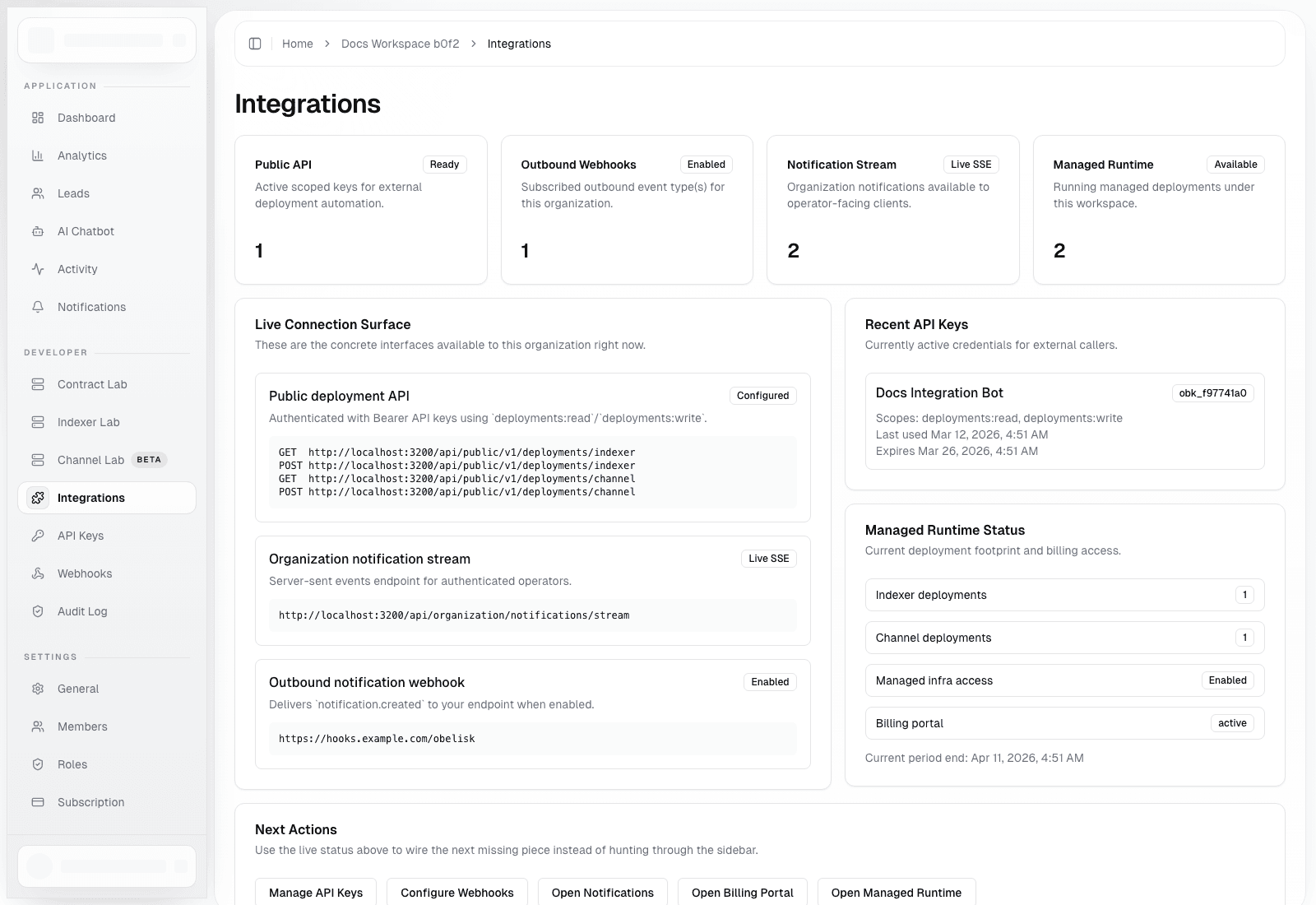
Start from API keys, public deployment routes, webhook delivery, and the integration control surface.
Govern The Whole Platform
Understand the separation between organization operations and platform-wide administrative control.
Run Production With Confidence
Use the production checklist for go-live, alerting, credential hygiene, billing, and incident review.
Documentation Scope (as of March 12, 2026)
- Authentication, onboarding, and plan-gating flows
- Personal account settings, activity, and preferences
- Organization workspace operations, reporting, support, and settings
- Automation surfaces: API keys, public deployment API, notification stream, and outbound webhooks
- Managed runtime tooling: Contract Lab, Indexer Lab, and Channel Lab
- Billing: subscription, invoices, payment methods, credits, and auto top-up
- Admin operations: users, organizations, notifications, app config, and platform alerts
- Architecture, security, and governance posture
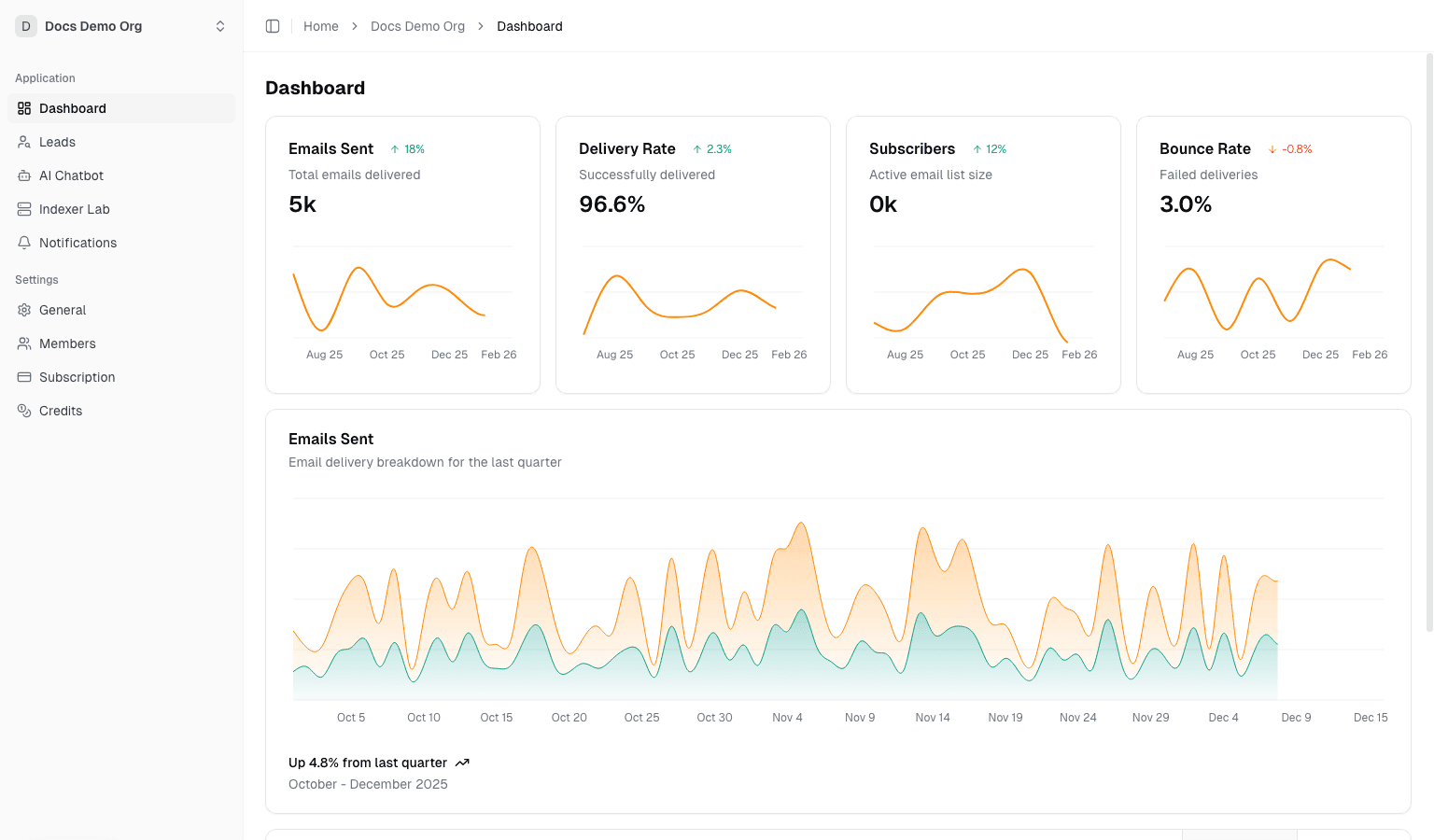
Main UI Preview
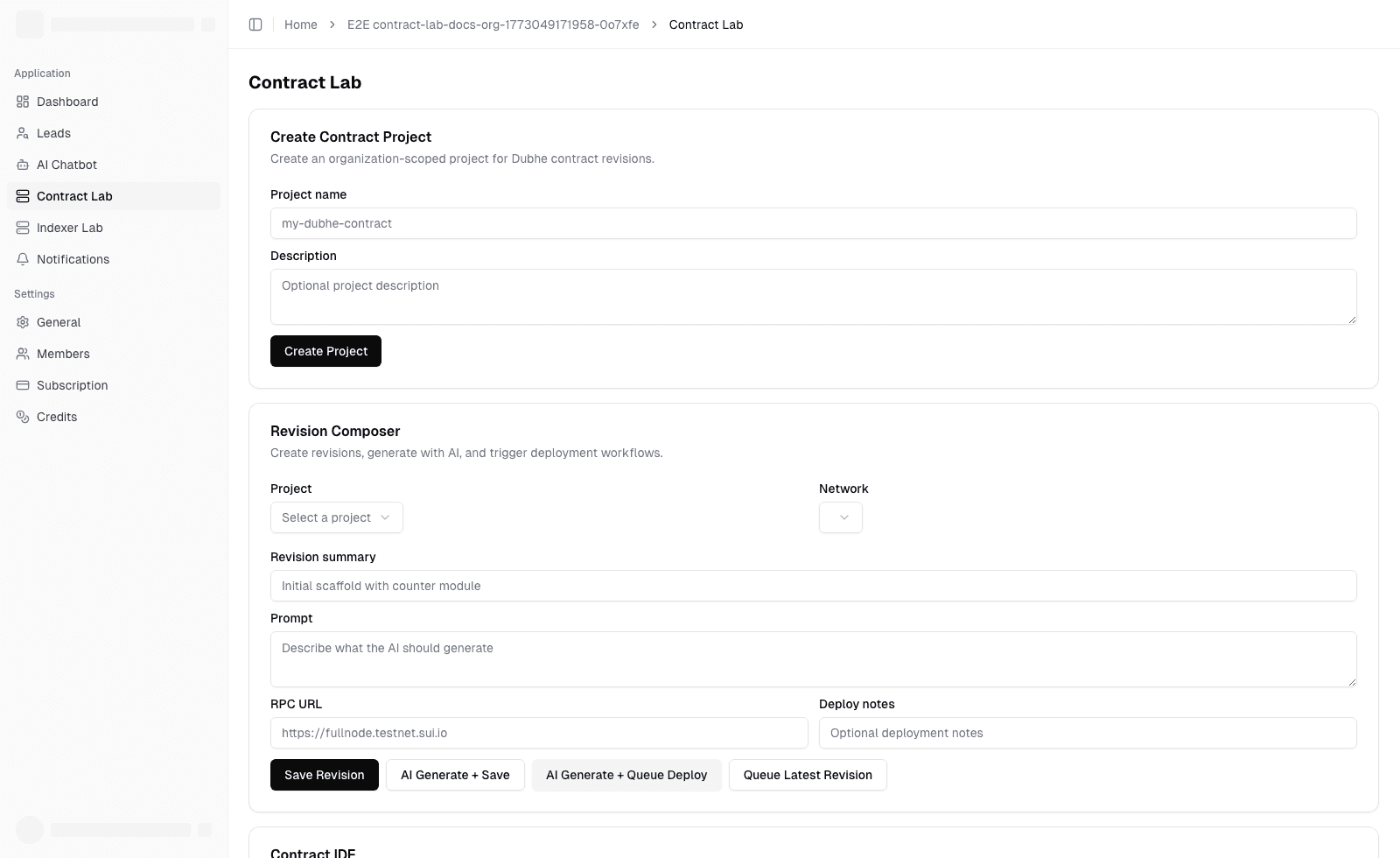
Workspace Preview
Integrations Preview
The Product In One Sentence
Obelisk is a control plane for teams that need tenant operations, runtime workflows, automation, billing, and governance to share one system of record.
What You Can Do Immediately
- Enter an organization workspace and switch between operations, analytics, billing, and support
- Manage leads, AI chats, notifications, API keys, webhook delivery, and runtime automation
- Build and deploy Dubhe contract revisions from Contract Lab
- Operate managed Indexer and Channel deployments with queue-backed workflows
- Review invoices, payment methods, credits, and subscription posture from organization settings
- Publish operator notifications and investigate platform alerts from the admin console
What Makes This Product Credible
- The docs are tied to real in-product routes rather than abstract feature descriptions
- Screenshots are generated from authenticated flows instead of mocked marketing states
- The product combines organization operations, runtime tooling, monetization, and governance in one operating model
- Platform-level controls exist for alerts, notifications, and administrative intervention when tenant workflows are not enough
- The system has an explicit tenant model, role model, automation model, and governance model rather than only a collection of dashboards
Decision Framework
Use Obelisk when you need all three:
- tenant workspaces with real operational ownership
- runtime workflows that need durable records and governed automation
- platform-level controls for spend, risk, and intervention
If you only need one of those, a narrower tool may still be enough.
If You Need Fast Answers
- Product terms: Glossary
- Common adoption questions: FAQ
- Role-based reading paths: Reading Paths by Role
- APIs, permissions, and routes: Reference Overview
Notes
- Screenshots are taken from a local test environment to illustrate real flows and entry points.
- If your production config differs from local (for example Stripe, Dokploy, email, or AI providers), UI states may differ.